There are multiple ways to transfer print data, such as via USB drive or Flash Studio. This section outlines the procedure for printing via a USB drive.
Note: Ensure all preparations are complete before connecting a USB drive. If unsure of the required steps, refer to the "Preparation before Printing" section.
¶ Exporting print data from Flash Studio
After slicing the model in Flash Studio, open the drop-down menu in the upper-right corner. You will see options such as [Print plate], [Send], [Export plate sliced file], and [Export G-code file].
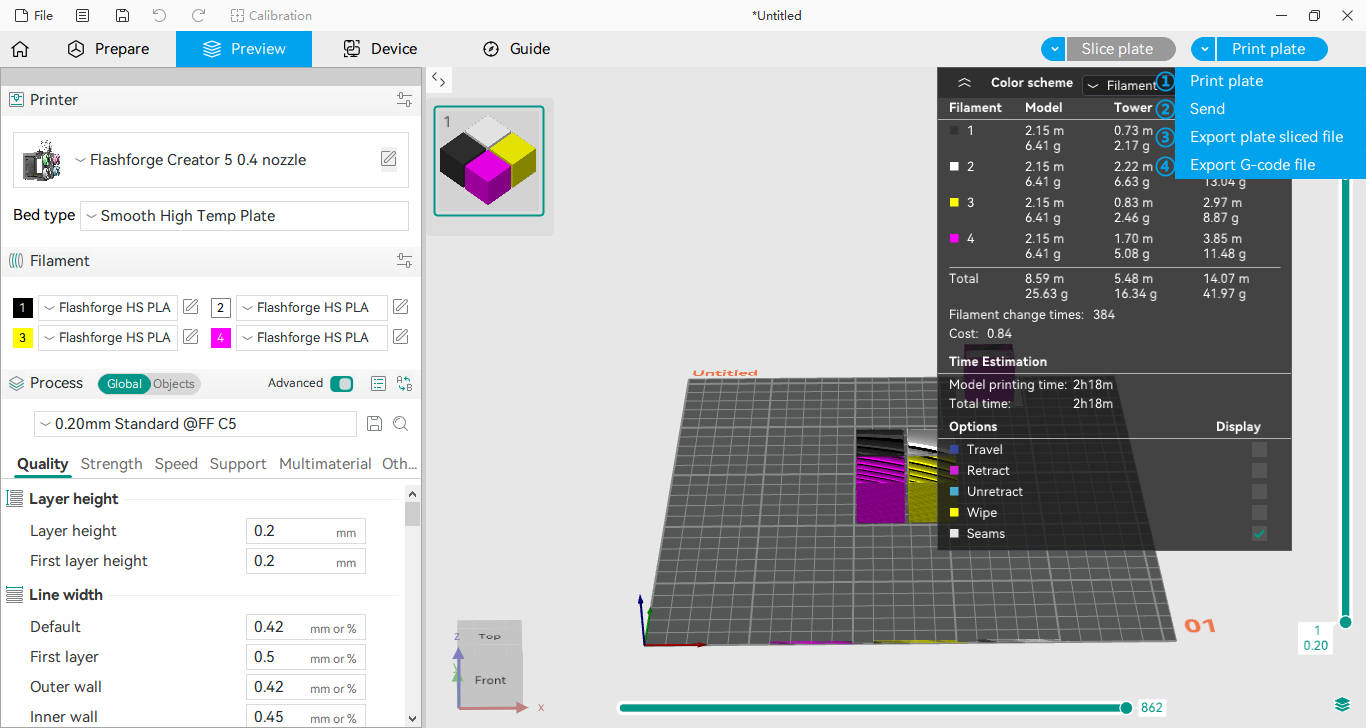
①Print plate: Sends the sliced file (.3mf) to the printer and starts printing immediately
②Send: Sends the sliced file (.3mf) to the printer
③Export plate sliced file: Saves the sliced data as a .3mf file
④Export G-code file: Exports the sliced data as a standard G-code file
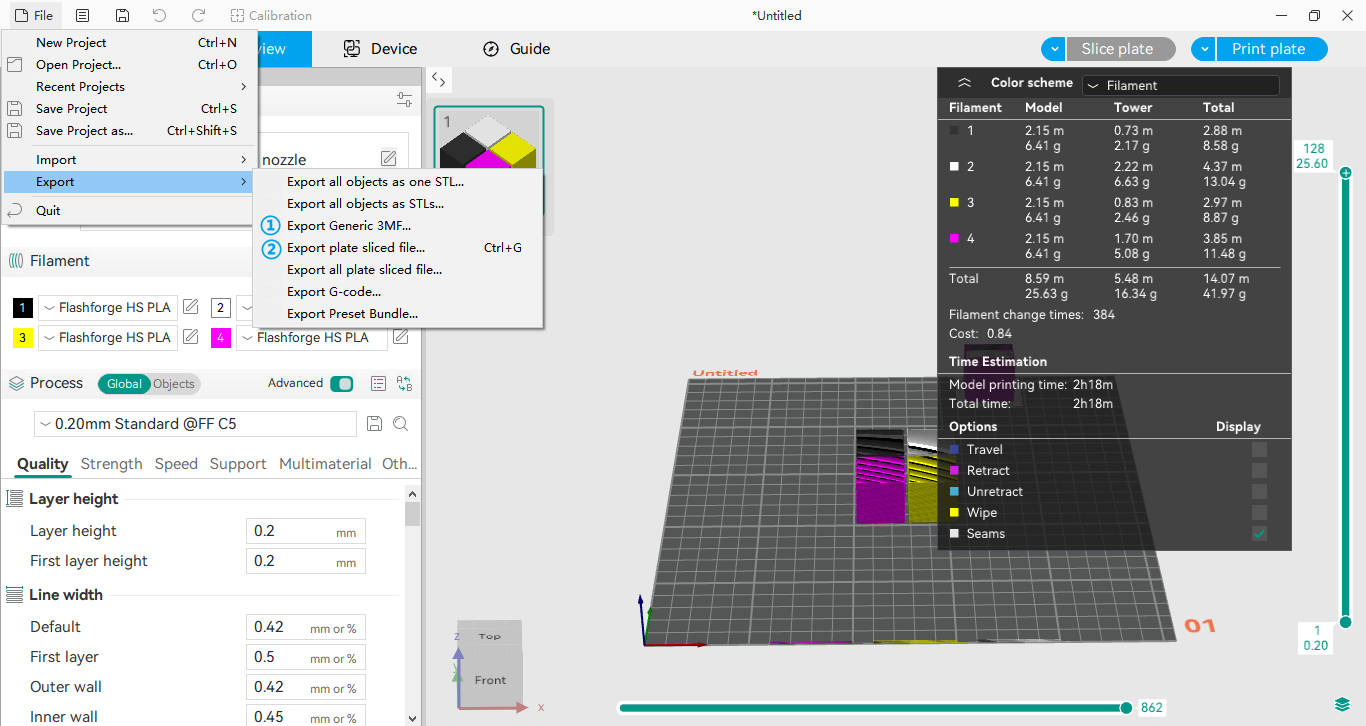
You can also export files by navigating to File > Export. The difference between options ① and ② is as follows:
① Export Generic 3MF: Saves the model as a standard .3mf file. This contains only the project 3D geometry and cannot be used directly for printing
② Export plate sliced file: Saves the model as a sliced .3mf file. This contains the sliced data and is ready for printing
To transfer files via a USB drive, select either [Export plate sliced file] or [Export G-code file].
¶ Transferring Data to a USB Drive
1.Insert a USB drive into a USB port on your computer.
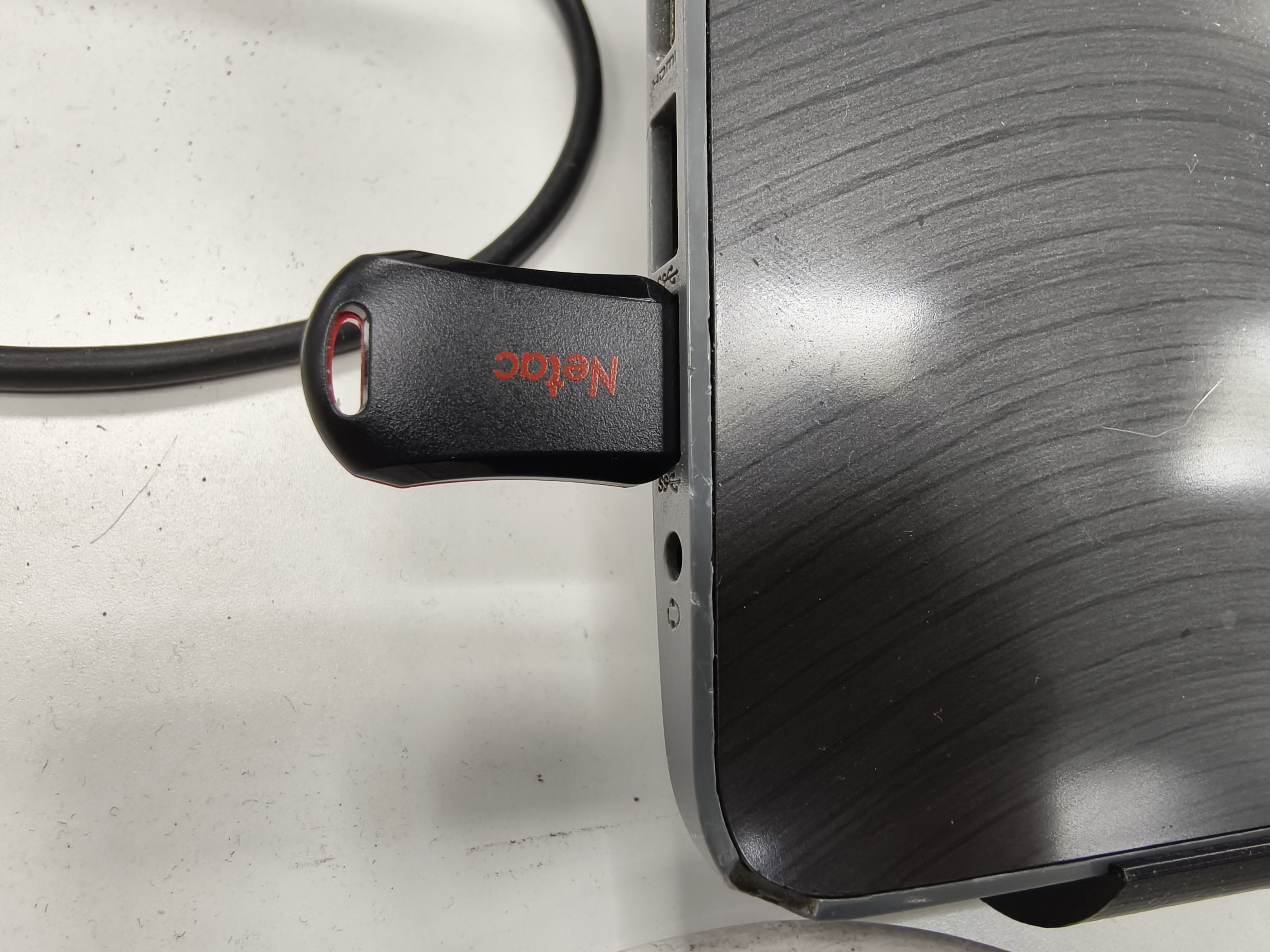
2.Copy the print file to the USB drive, then safely eject and remove it.
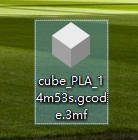
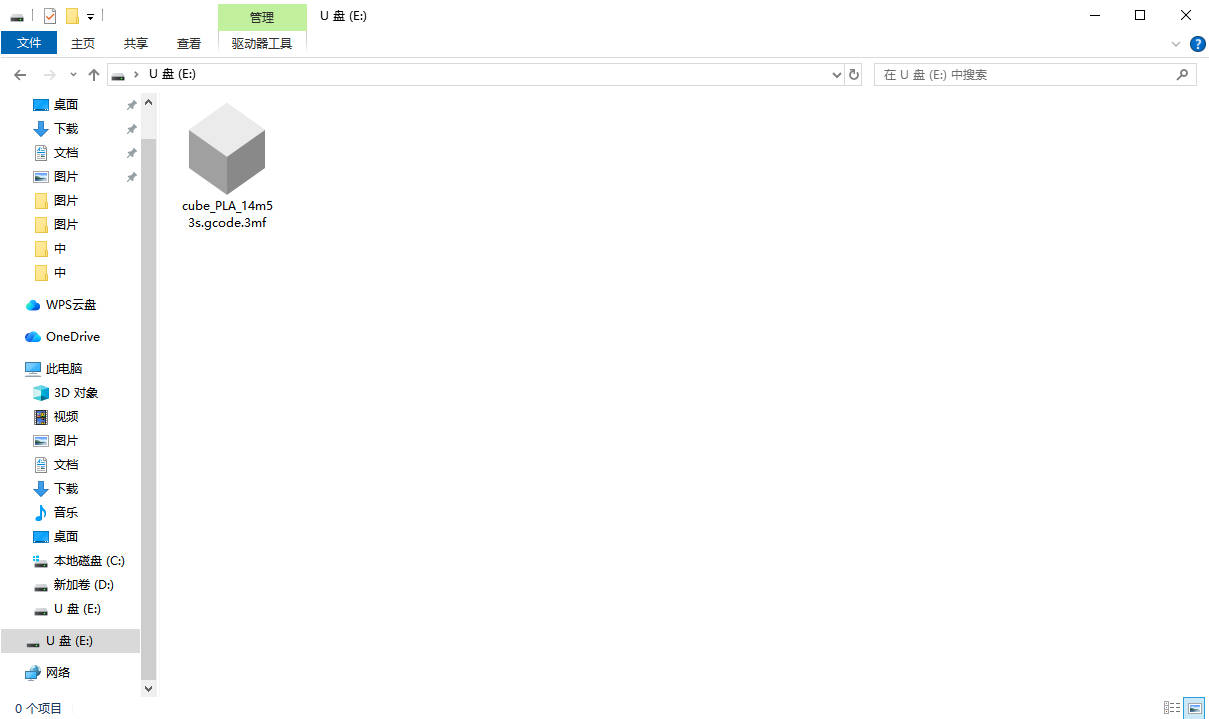
Note: Print files must be in sliced .3mf or .gcode format. Standard 3D geometry files, such as .stl, cannot be used for printing.
¶ Printing via USB Drive
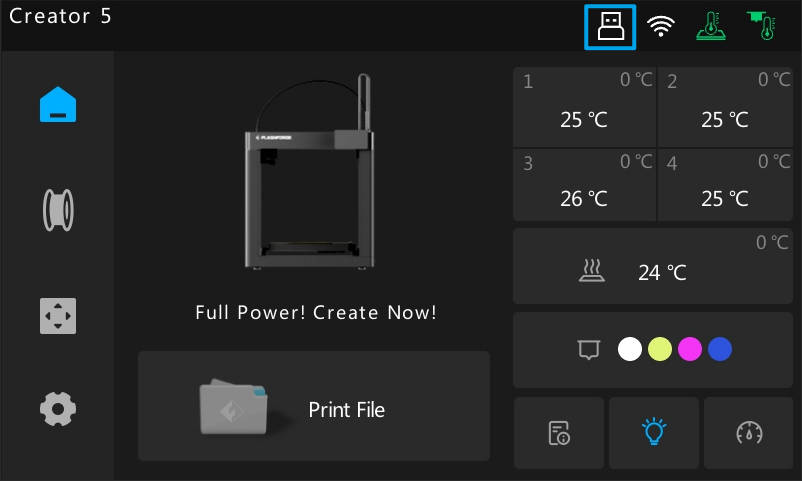
1.Insert the USB drive into the USB port on the right side of the screen. Once connected, a USB icon will appear in the Status Bar at the top of the screen.
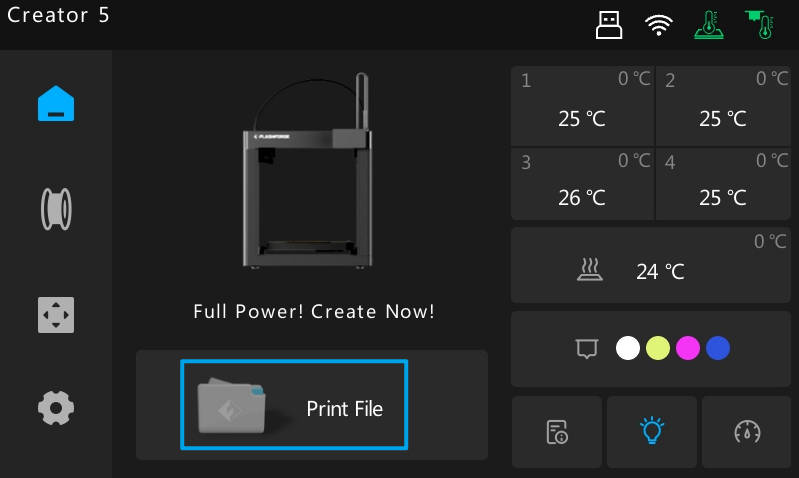
2.Tap [Print file] on the main interface, then select the USB tab. (All printable files on the USB drive will be listed here. If your file isn't on the first page, swipe or use the arrows to scroll through the list.)
3.Tap the file you wish to print. The printer will copy the file to its internal storage and start printing automatically.
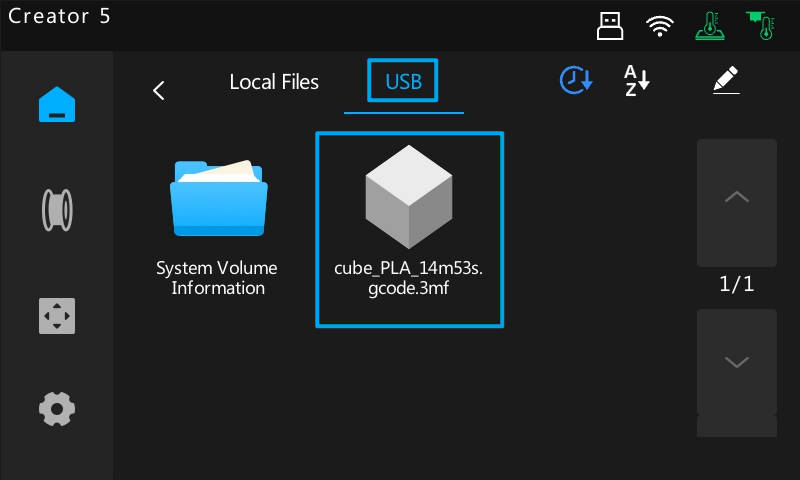
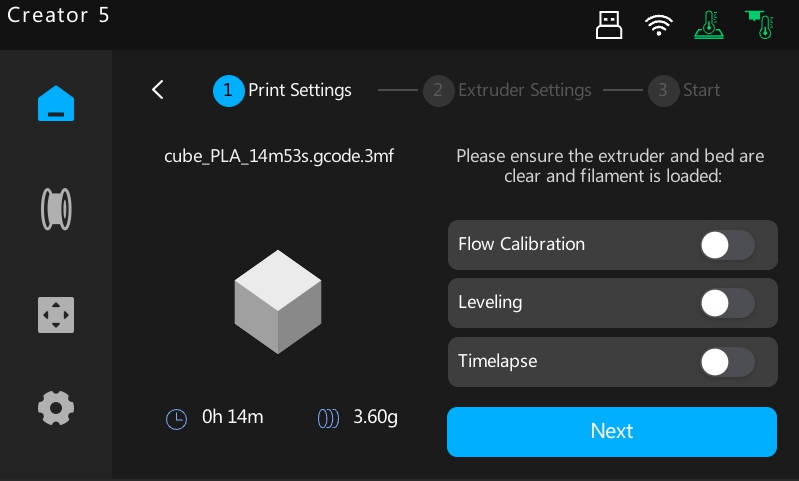
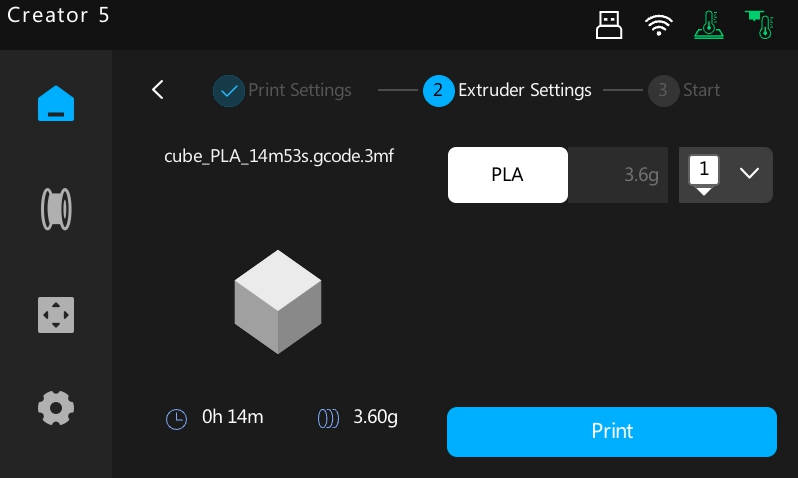
4.Once the file is copied, the USB drive can be removed at any time without interrupting the print.