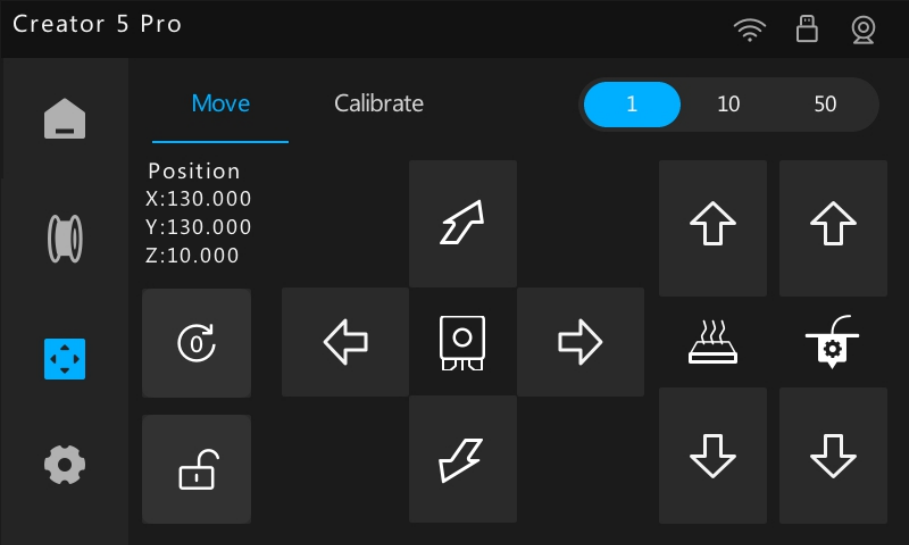
When the printer is idle, you can manually control the motion of the XY-axis (extruder mount), Z-axis (heatbed), and extruder motor. This is useful for device calibration, maintenance, cleaning, and mechanical inspections, allowing for precise positioning of the extruder and heatbed.
From the Home screen, tap  to open the Move screen.
¶ Safety Precautions
- Keep hands away from the nozzle and moving parts to avoid burns or pinching injuries.
- Before moving the axes, make sure the print area is clear of obstacles to prevent collisions.
- When moving the Z axis, monitor the clearance between the nozzle and the heatbed to avoid crushing.
- Always unlock the motors before moving components by hand. Do not force movement, as this may damage the mechanical structure and the motors.
¶ XYZ-Axis Control
- XY-Axis Control: Moves the extruder mount left/right and front/back along the horizontal plane.
- Z-Axis Control: Moves the heatbed up and down vertically.
¶ Operating Steps
-
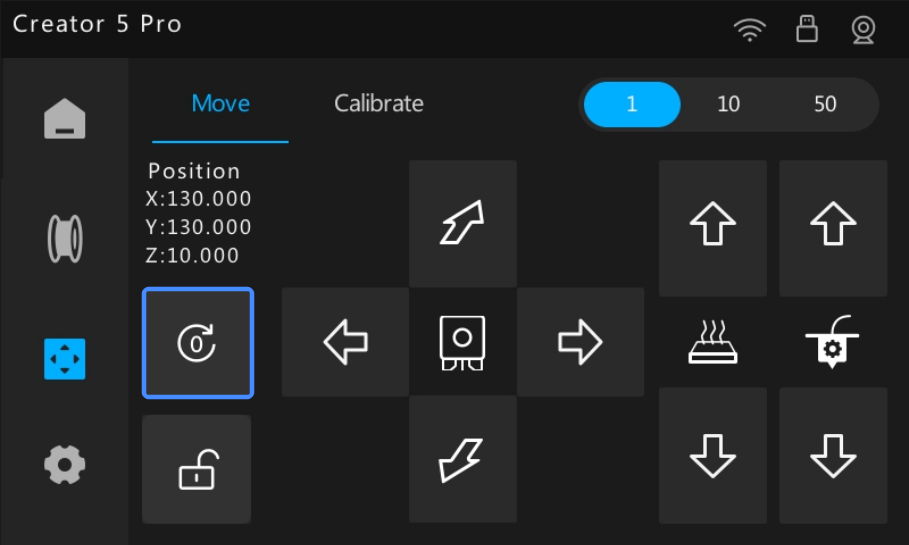
Tap
 to return the heatbed and extruder mount to their mechanical home positions, ensuring accurate coordinate referencing.
-
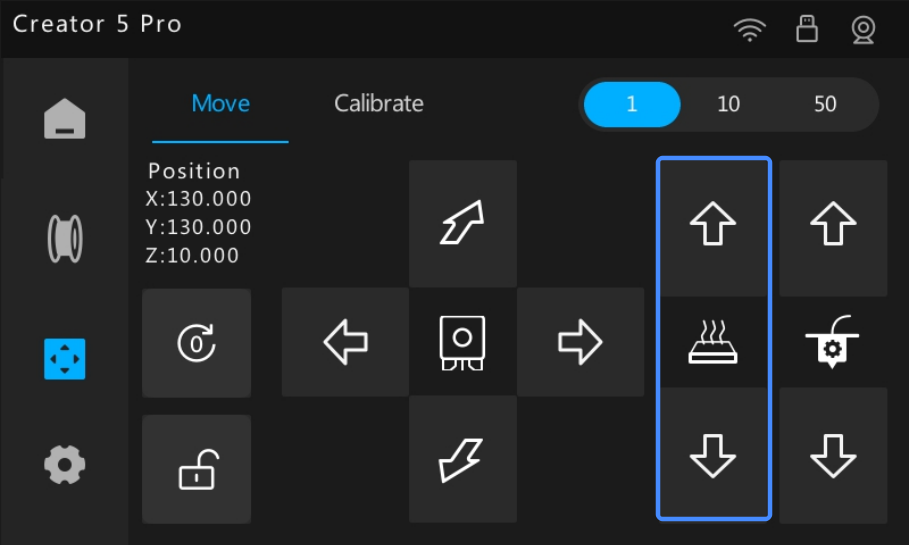
Tap the arrows to move the heatbed vertically.
Tap the arrows to move the extruder mount horizontally.
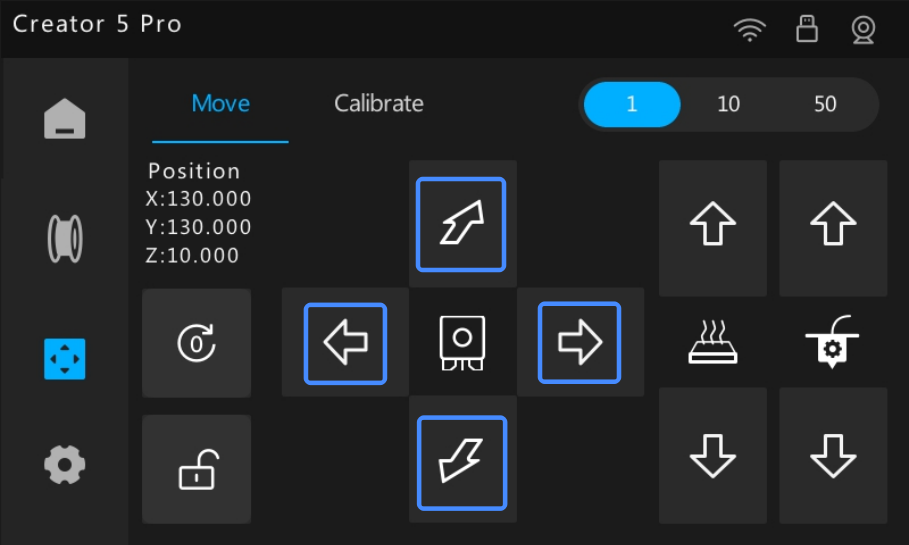
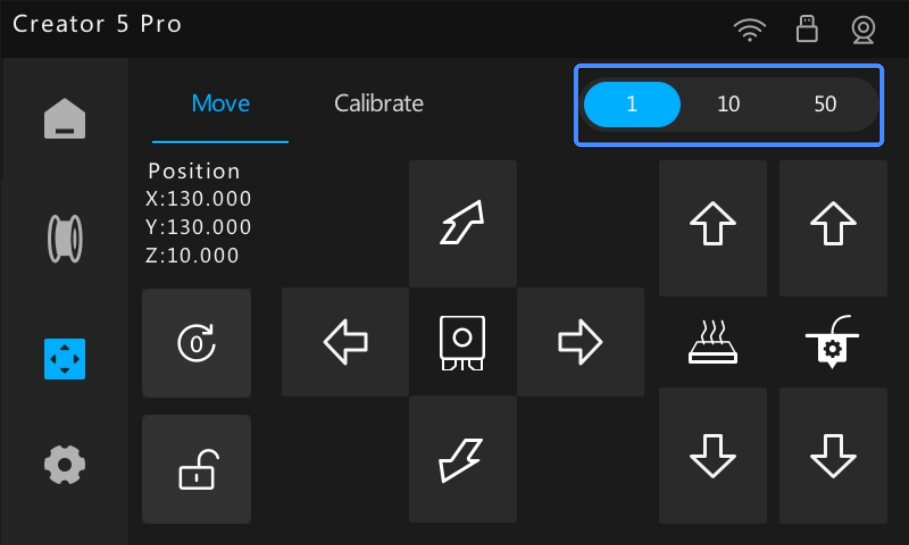
The default movement increment is 1. You can switch between increments (1/10/50) as needed.
-
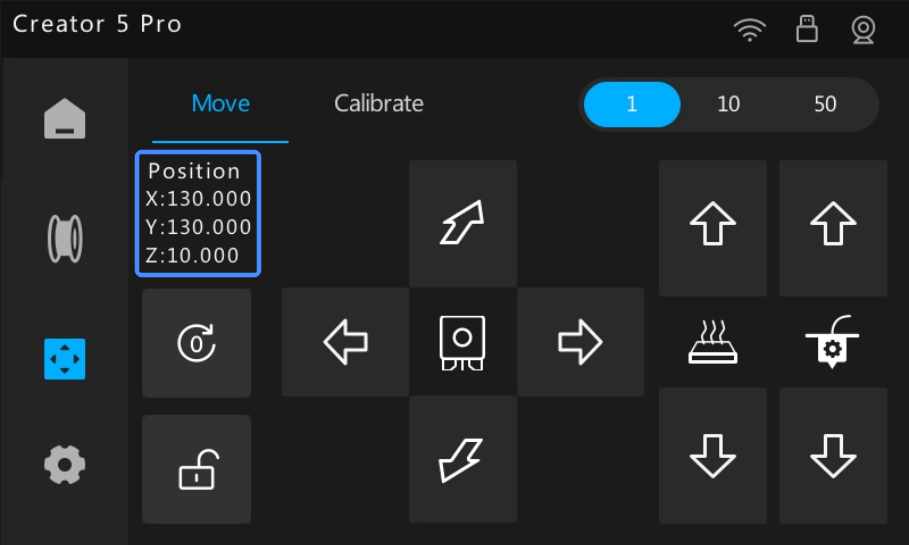
The Position section updates to show the current X/Y/Z coordinates.
¶ Load an Extruder
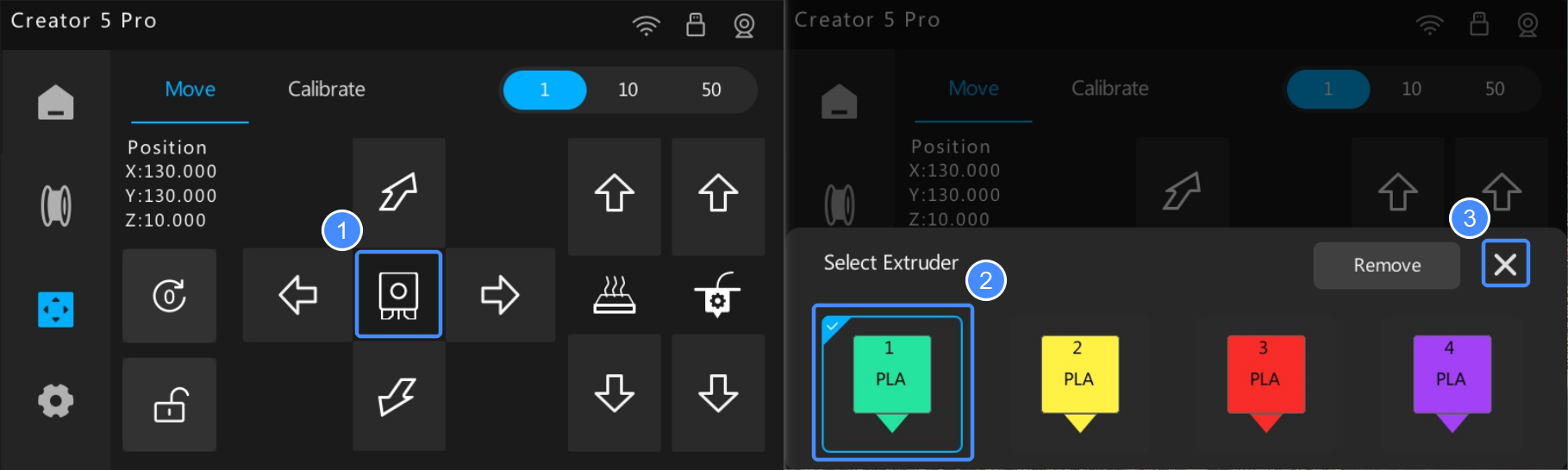
To load an extruder:
- Tap
 .
. - Select an extruder.
- Tap ✕ to execute loading.
¶ Unlock Motors
Tap  to unlock the motors.
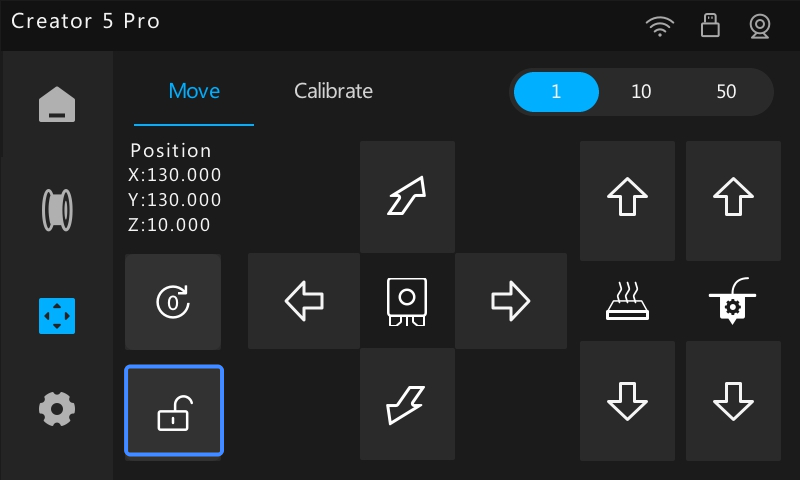
Once unlocked, you can manually move the extruder mount, or pull the Z-axis belt at the bottom of the printer to adjust the heatbed position.
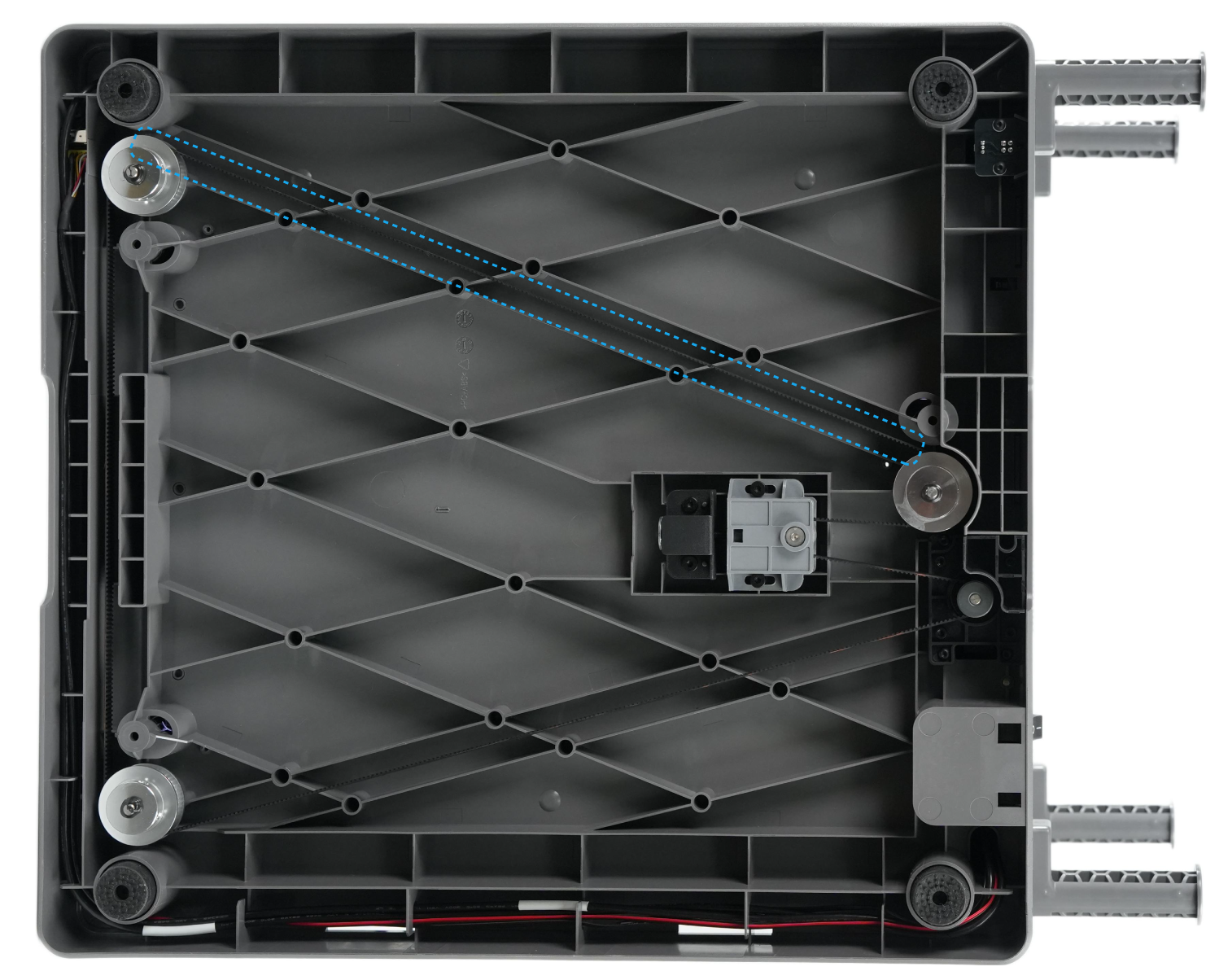
Home all axes to restore automatic control and reset their positions.
¶ Extruder Motor Control
You can manually control the extruder motor to extrude or retract filament. Common use cases include manual loading/unloading, nozzle cleaning, and test-extruding.
Before extruding, ensure at least 50 mm of clearance between the nozzle and the heatbed to prevent filament buildup and nozzle clogs.
¶ Operating Steps
- Select and load the desired extruder.
- Control the extruder motor using the arrows:
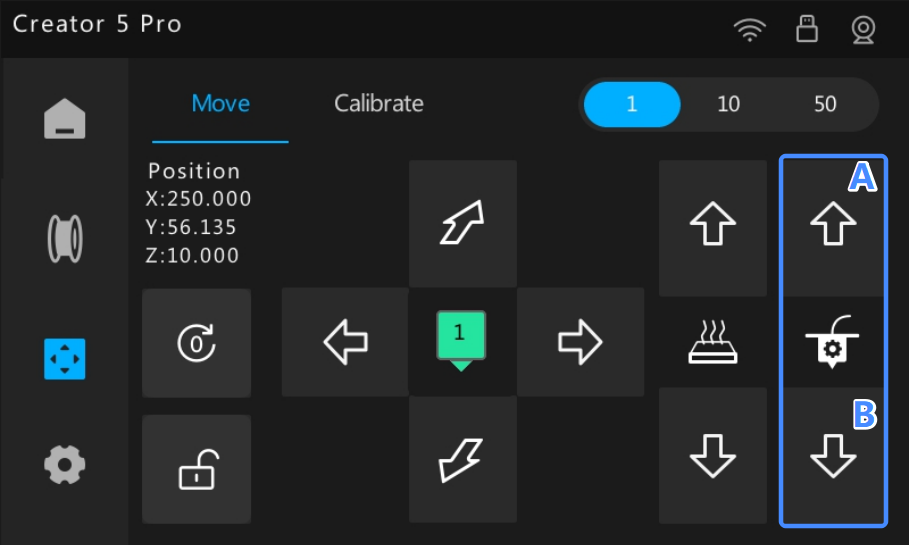
- (A) Up: Retracts filament.
- (B) Down: Extrudes filament.
A prompt will appear instructing you to heat the extruder.
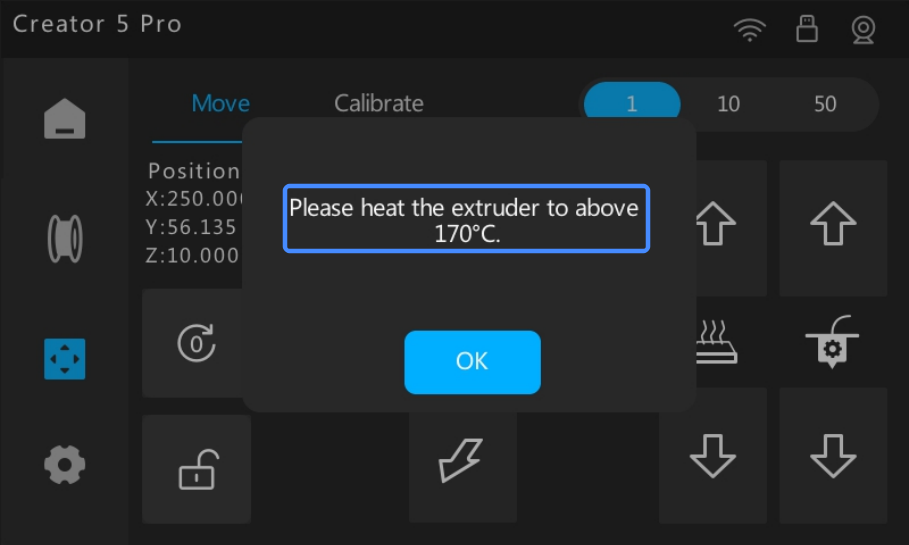
- Heat the extruder to the recommended temperature for your filament.
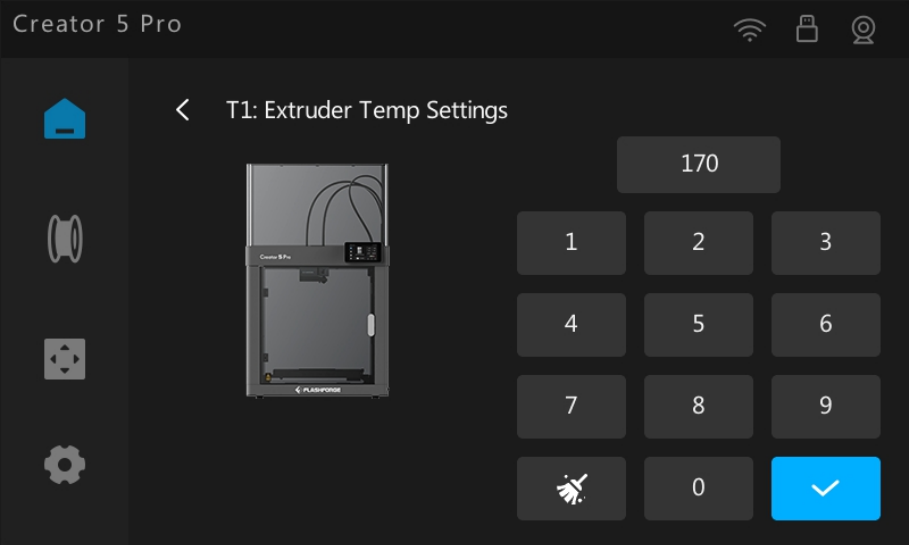
- Return to the Move & Calibrate screen. tap the arrow again to start the operation.