After the printer is leveled, when printing a full-size model, it may sometimes happen that the entire printed area appears either too loose or too tight.This issue may be caused by foreign objects on the bed or the nozzle during the leveling process or nozzle offset calibration.If you don't want to spend time re-leveling and calibrating, you can improve the situation by adjusting the Z Offset setting.The following is a detailed introduction to the Z Offset setting.
Z Offset Setting Procedure
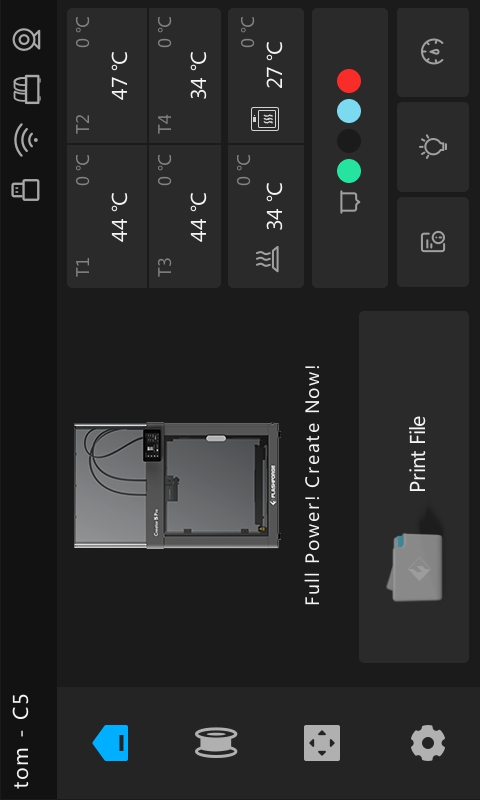
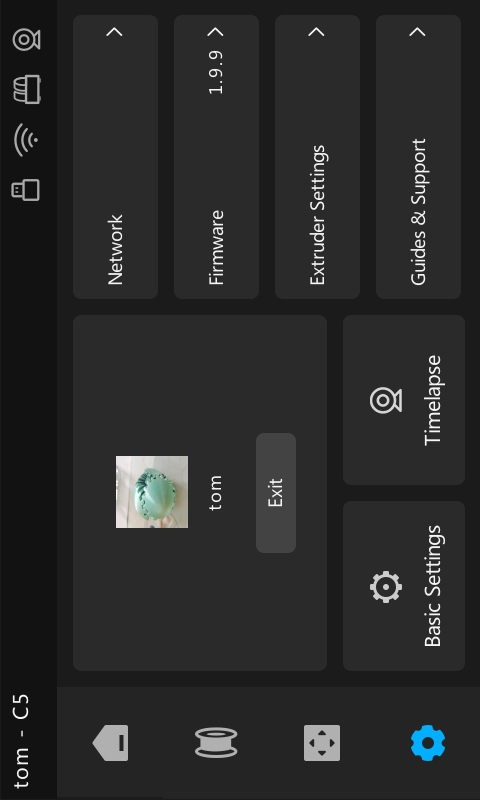
- Click ”the gear-shaped“ icon in the bottom left corner to access the Settings page;
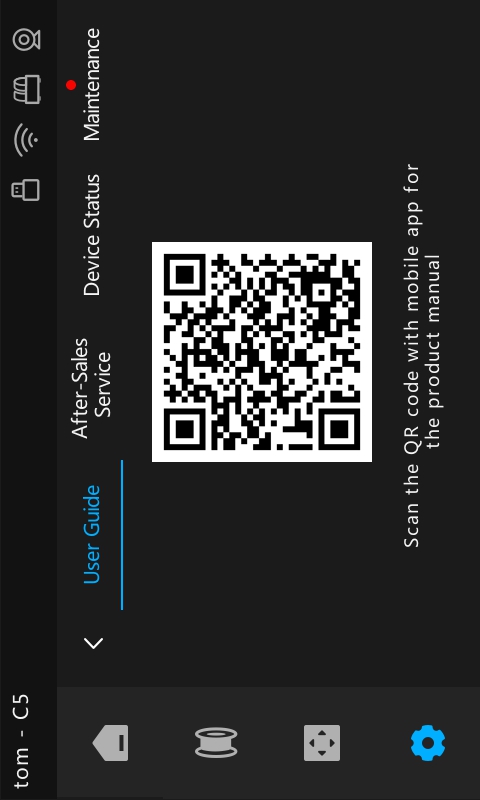
- Select the "Guides & support" menu to go to the next page;
- Select the "Device Status" menu to enter the next page;
- After entering the device status page, flip to the "3/3" page.You will see Z-offset-T1, Z-offset-T2, Z-offset-T3 and Z-offset-T4;
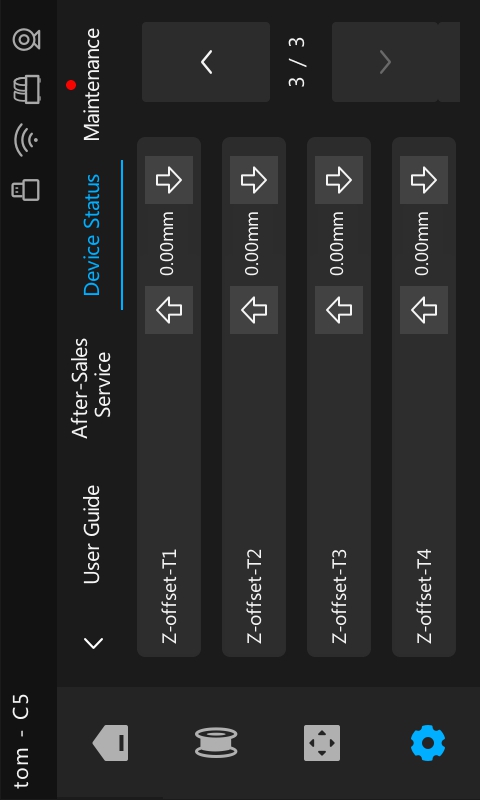
5.For example, if the full-size model printed by T1 nozzle is overall loose, you can click the upward arrow on the left of the Z-offset-T1 option; each click will change the value to -0.02mm (a negative value means the bed moves closer to the nozzle). Keep doing this until the compensation value meets your requirements.
Note:
Z Offset can be preset in standby mode;
After re-performing the nozzle offset calibration, the Z Offset will be automatically reset to zero.