¶ Change Printer Name
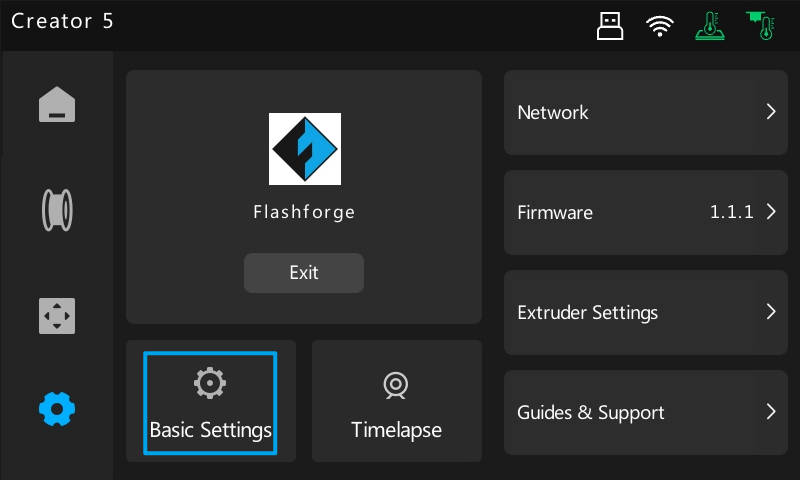
1.Tap the [Settings] icon  in the Navigation Bar, then tap [Basic Settings].
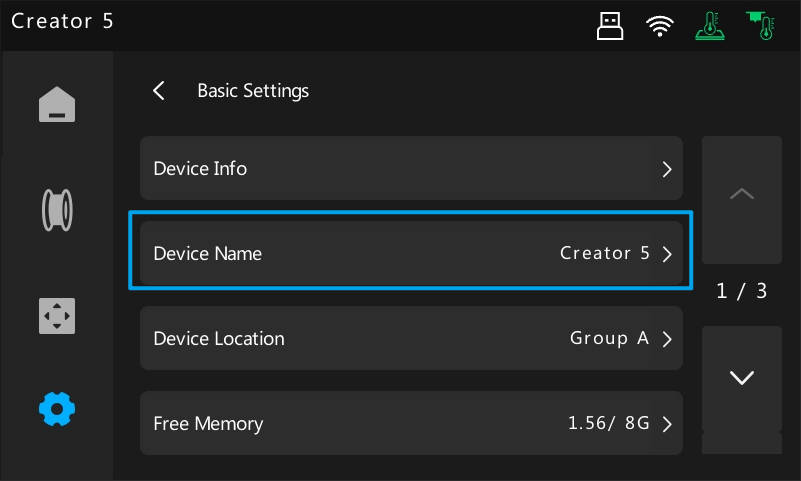
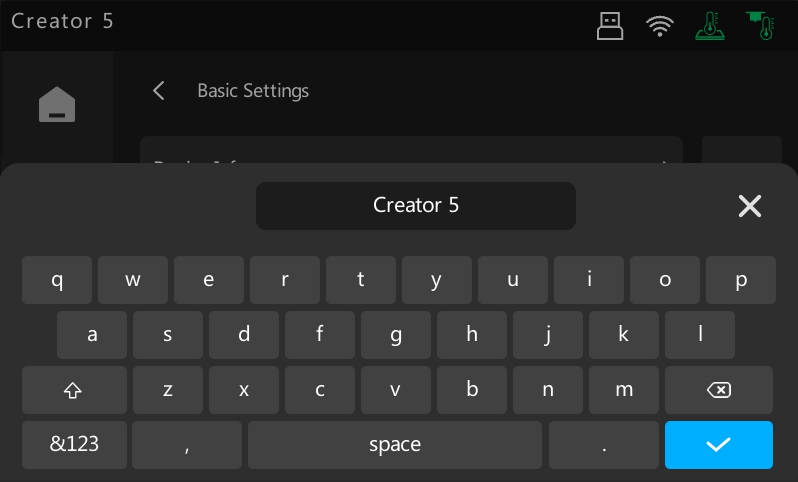
2.Tap [Device Name] to edit.
3.Enter a new name and tap 
¶ Change Printer Location
1.Tap the [Settings] icon in the Navigation Bar, then tap [Basic Settings].
2.Tap [Device Location] to edit.
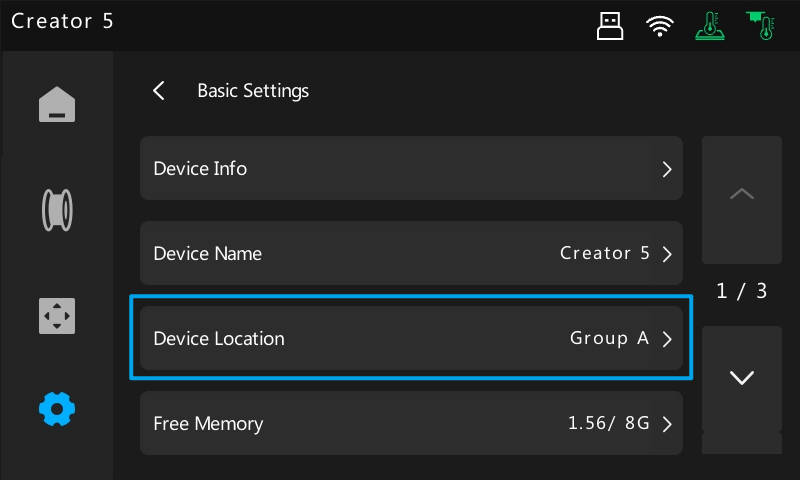
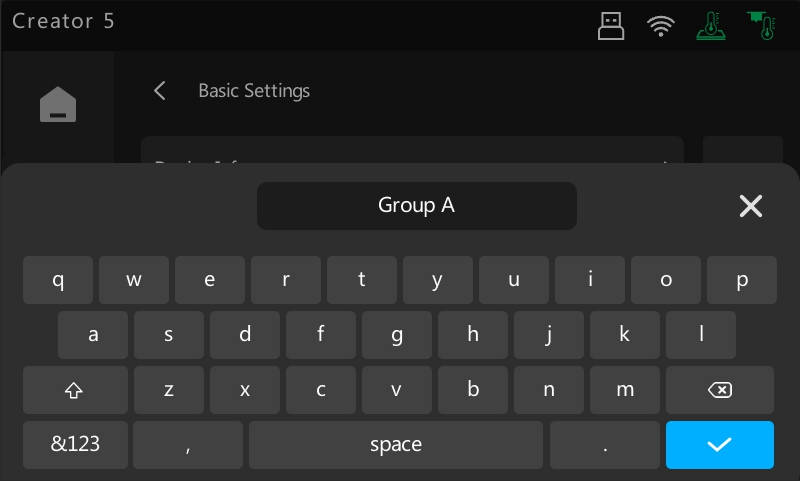
3.Enter a new location and tap
¶ Sound
1.Tap the [Settings] icon in the Navigation Bar, then tap [Basic Settings].
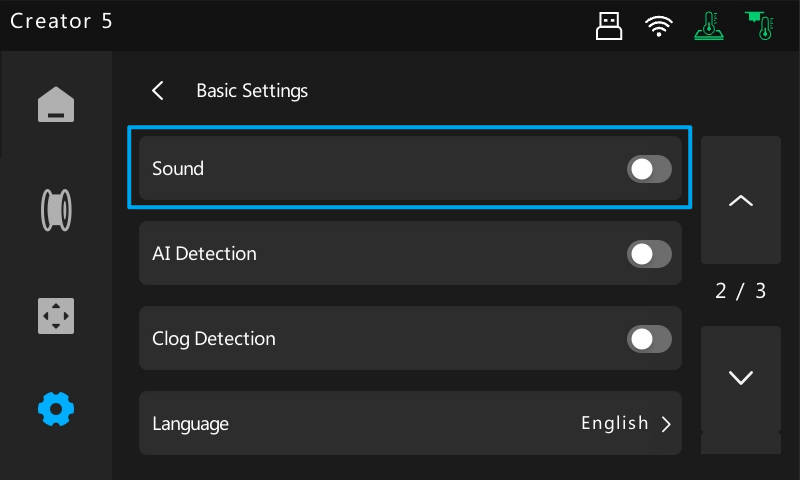
2.Toggle Sound on/off. When enabled, the printer will chime during startup.
¶ Clog Detection
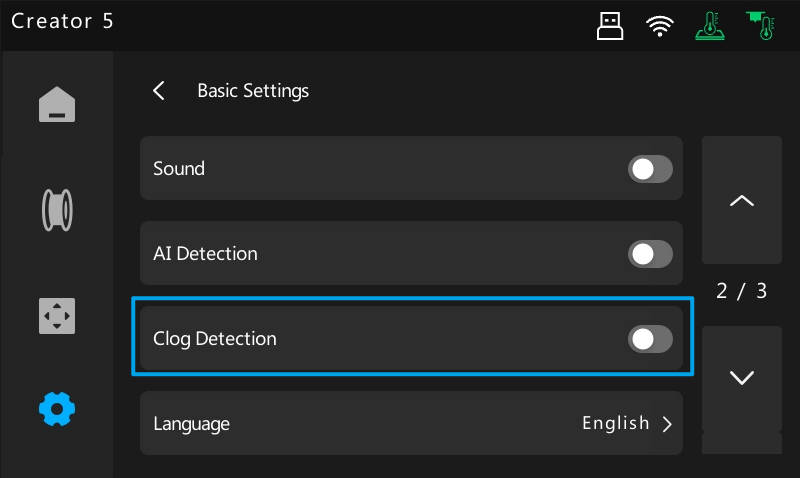
1.Tap the [Settings] icon in the Navigation Bar, then tap [Basic Settings].
2.Toggle Clog Detection on/off. When enabled, the printer will detect feeding issues caused by tangled filament or nozzle clogs.
¶ Language
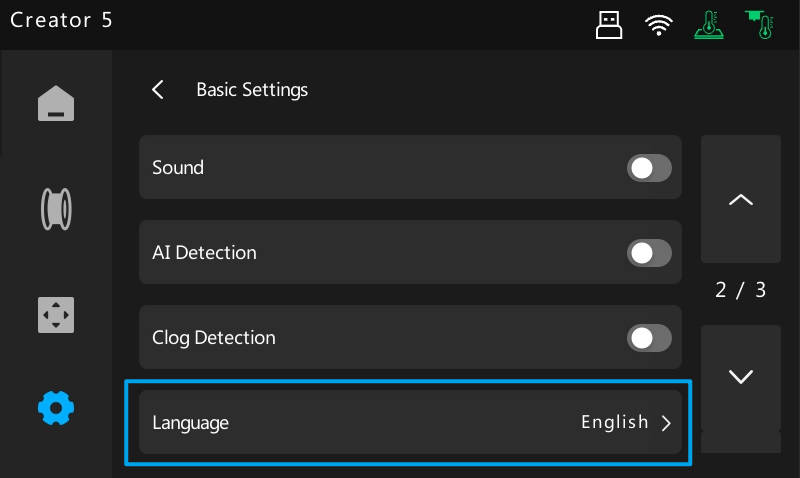
1.Tap the [Settings] icon in the Navigation Bar, then tap [Basic Settings].
2.Tap [Language].
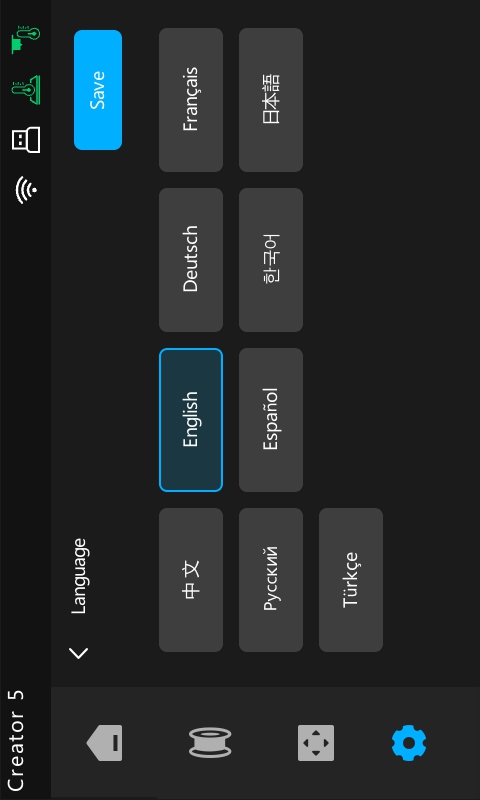
3.Select your preferred language and tap [Save].
¶ Factory Reset
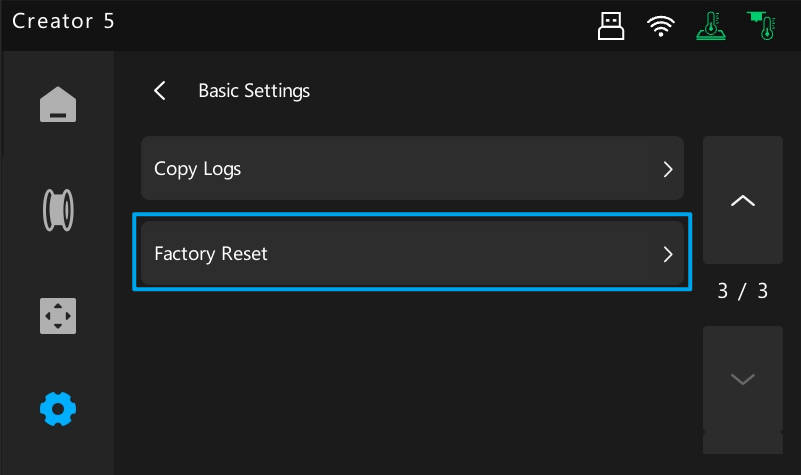
1.Tap the [Settings] icon in the Navigation Bar, then tap [Basic Settings].
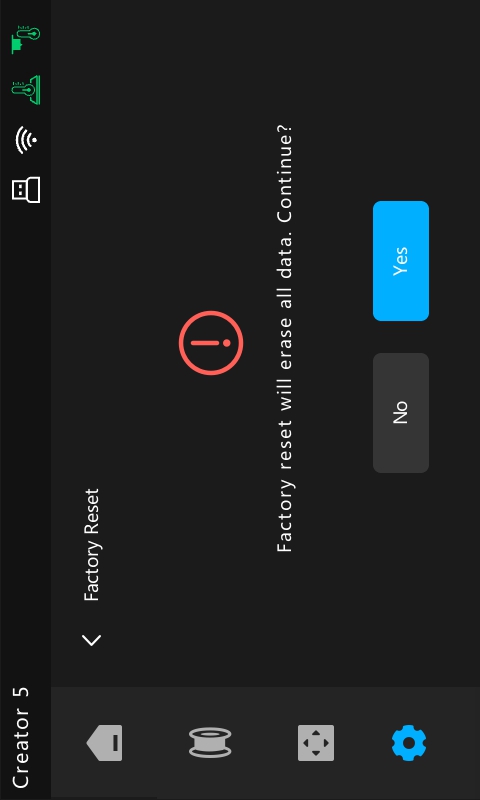
2.Tap [Factory Reset], then tap Yes to confirm.