¶ Loading Filament
Note: The following steps demonstrate the process for a single extruder. Repeat these steps for other extruders as needed.
¶ Preparation
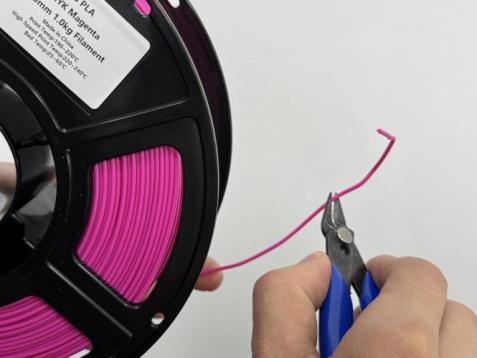
1.Cut off the bent or deformed end of the filament at an angle.
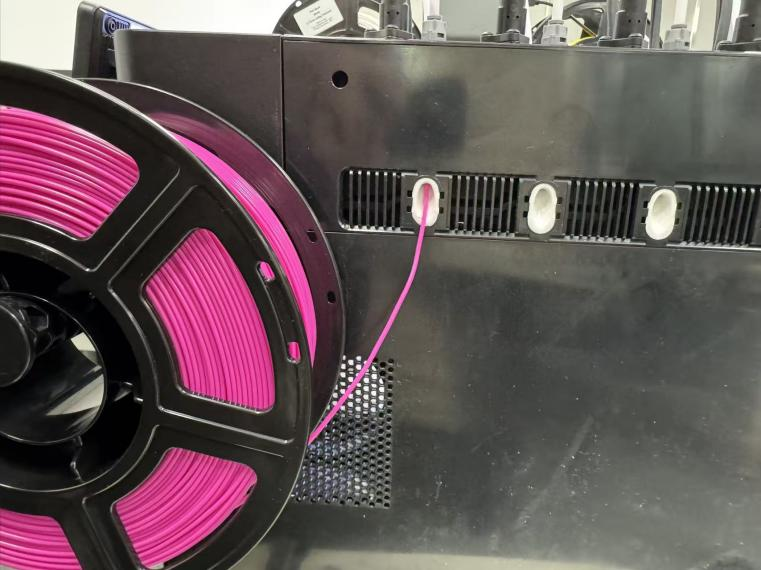
2.Hang the spool and feed filament into the guide tube. Press the extruder lever and push filament in until it stops. Release the lever and tug gently to ensure it is locked.
¶ Loading Filament
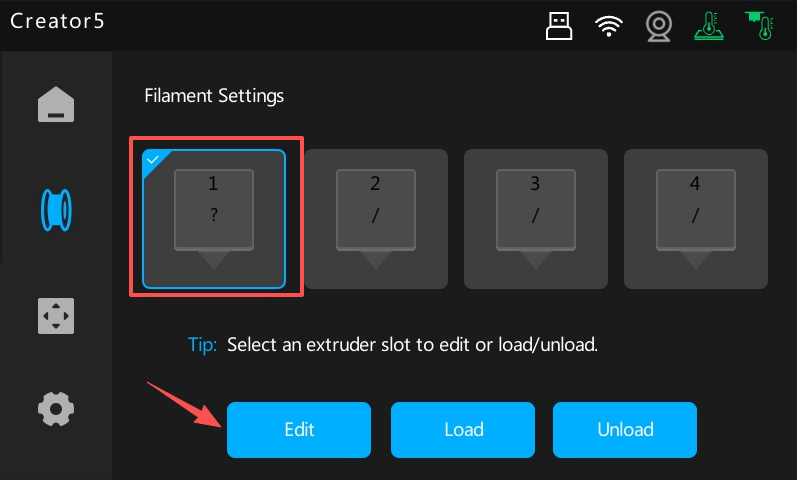
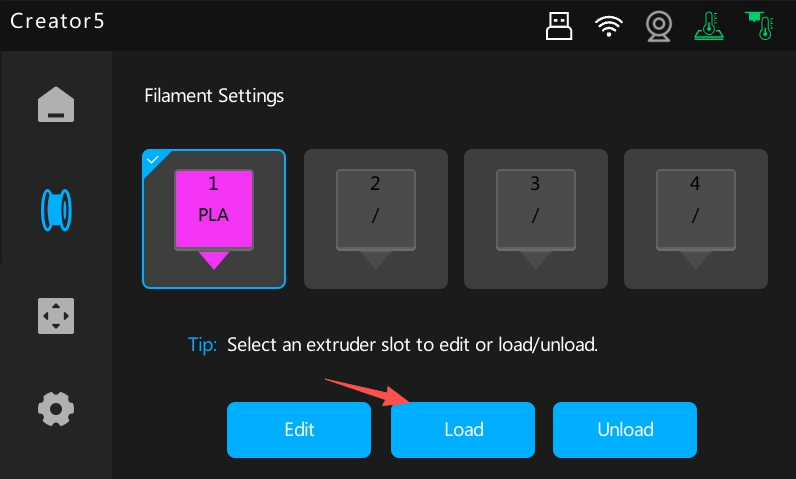
1.Select the slot where you just fed the filament, then tap Edit to set the filament Type and Color.
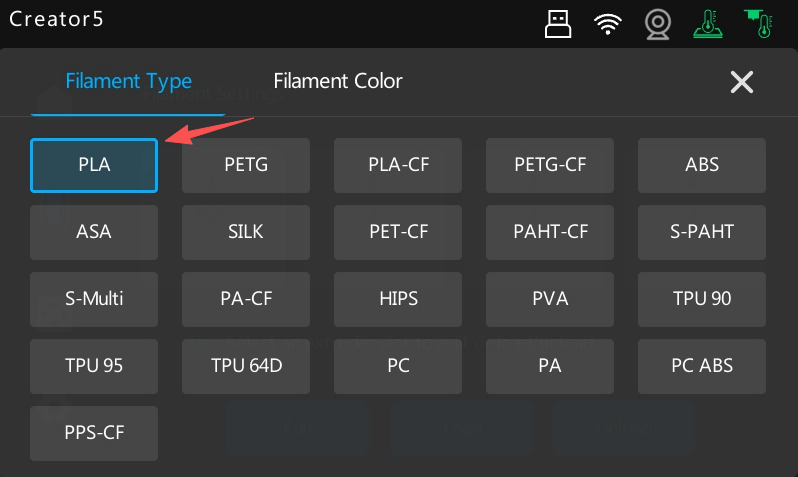
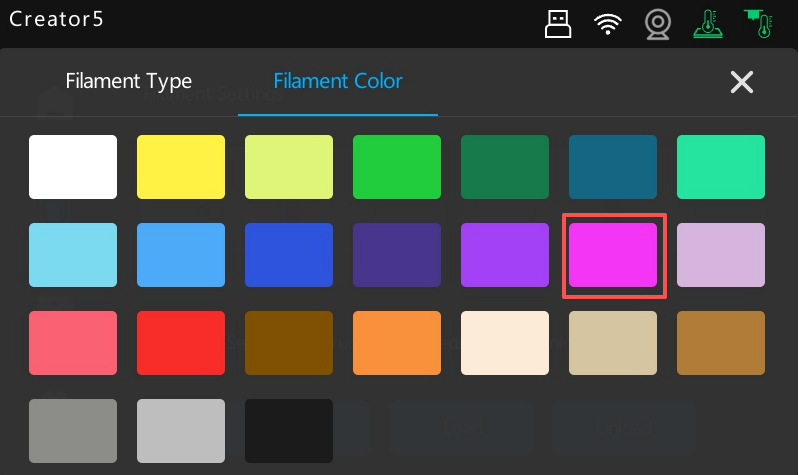
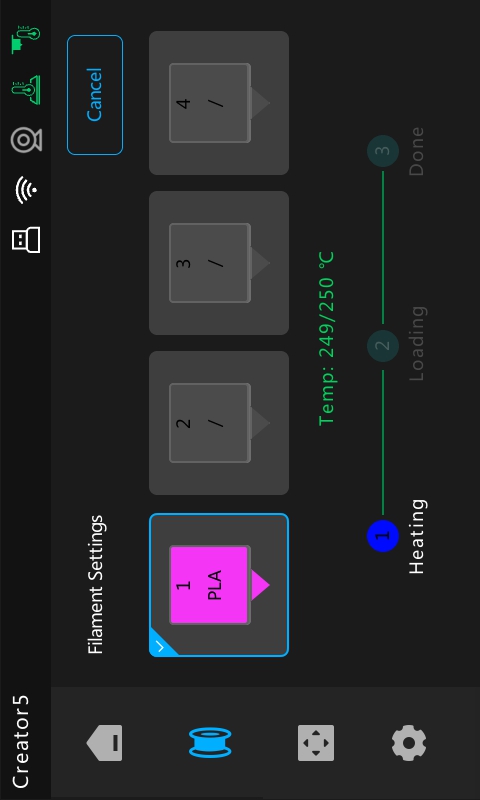
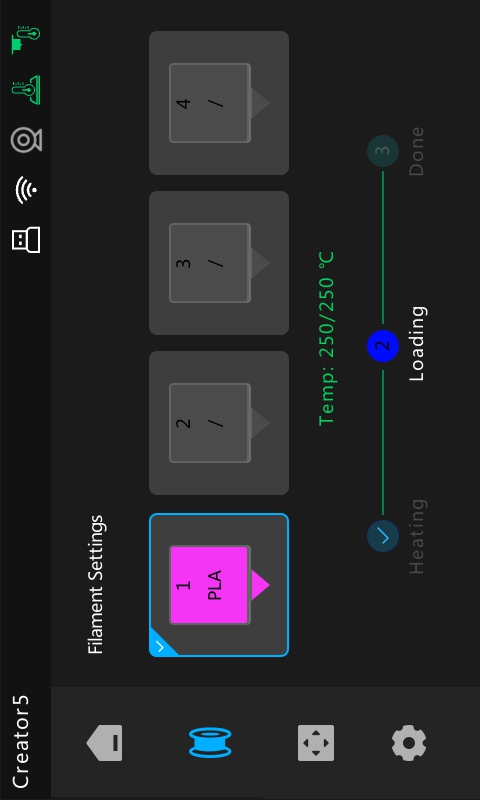
3.After configuring the filament, tap Load. Review the on-screen instructions to ensure the filament is properly seated, then tap Next to initiate the loading process.
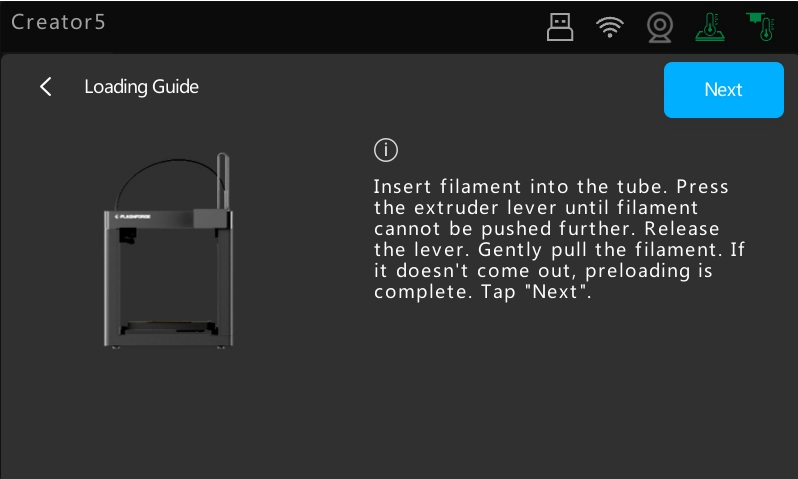
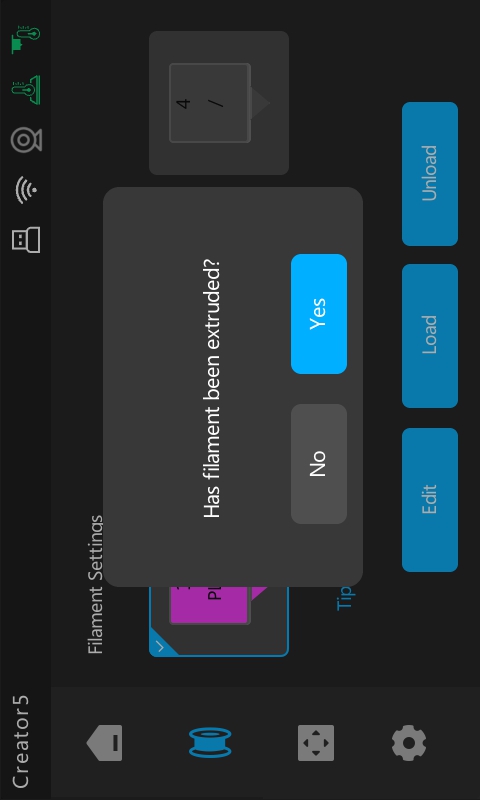
4.The nozzle will begin heating as the extruder carriage homes to pick up the selected extruder. Once the target temperature is reached, the printer will automatically load the filament. When prompted, verify if the filament is extruding successfully. If not, tap No and the printer will re-run the loading sequence to ensure the filament is properly engaged by the gears.