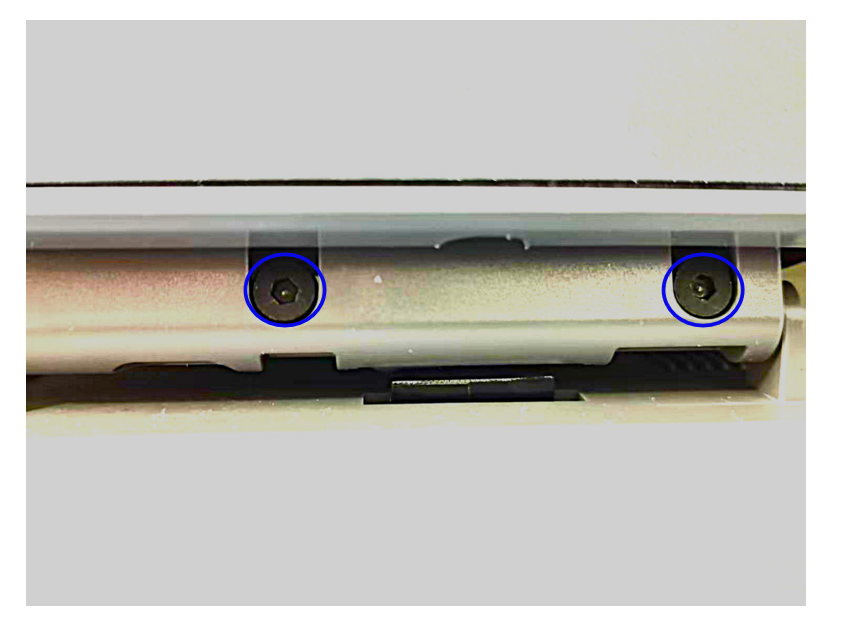
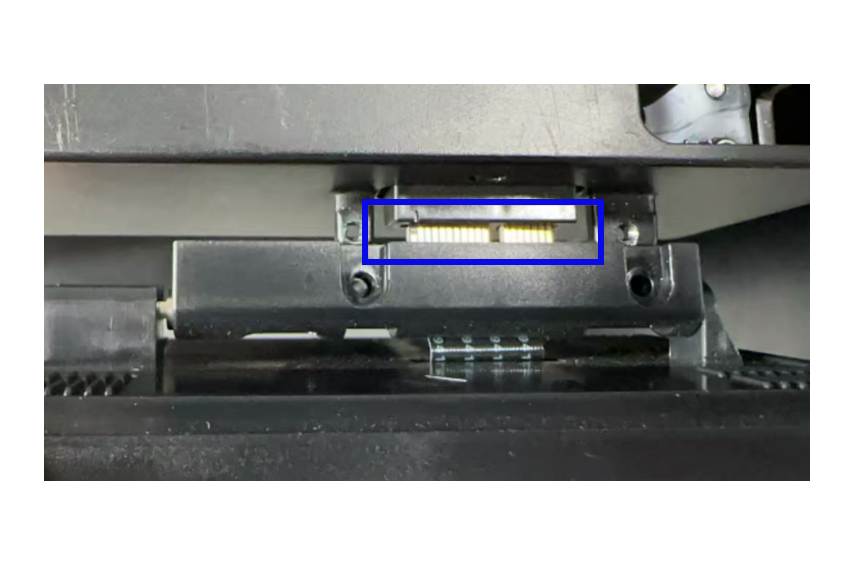
¶ 1.The nozzle temperature shows a negative number
Cause:Temperature sensor is damaged or wiring harness has poor contact.
Solutions:
1、Replace with a new hot end
① First, manually press the cutter lever all the way down to cut off the filament;
② Use a wrench to remove the two screws securing the hot end;
③ Pull out the hot end downward, install a new hot end, and secure the screws;
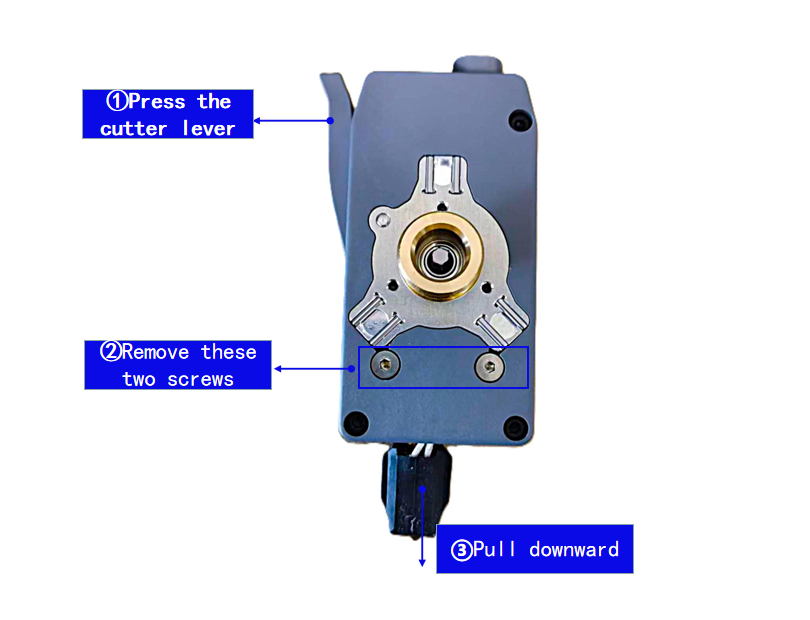
2、If the above steps do not work, check whether the wiring harness is damaged or has poor contact.
① Remove the plastic cover plate of the nozzle;
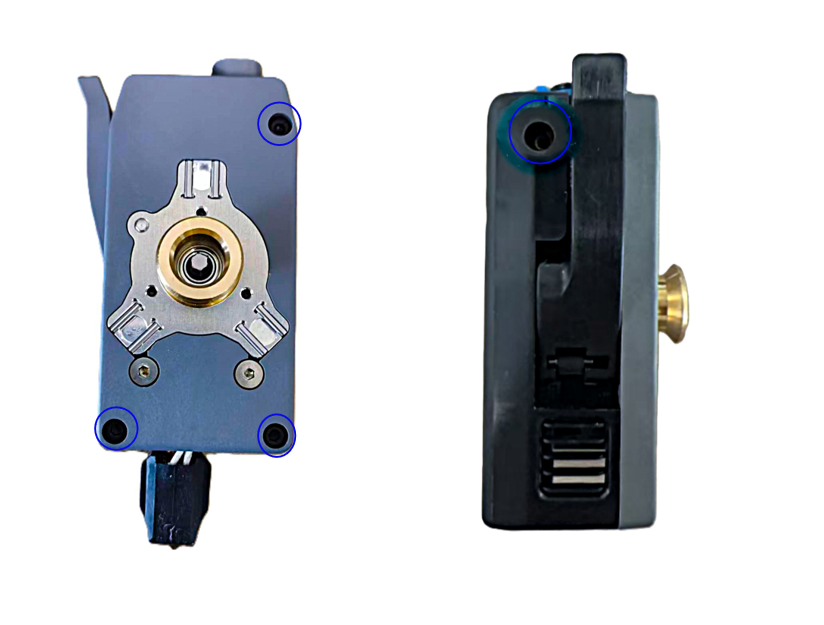
② Check the connection of the wiring harness. If there is poor contact, please re-plug it. After installation is completed, restart the printer;
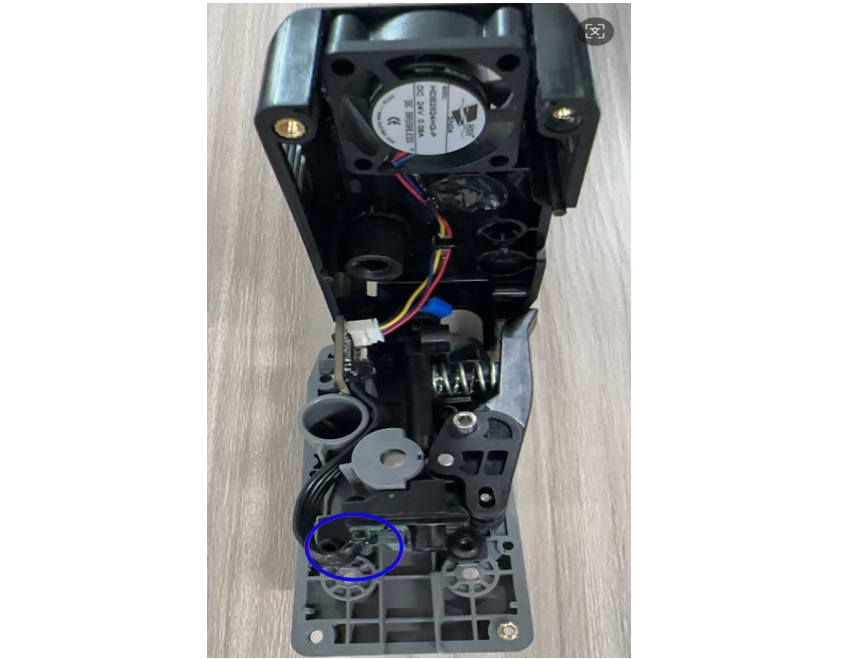
If the above steps still fail to resolve the issue, please copy the logs to a USB drive and contact customer support.
¶ 2.When go home, the Z-axis keeps moving downward or fails to stop when it touches the eddy current rod
Cause:Eddy current rod is not fixed or eddy current coil is abnormal.
Solutions:
① Check if the eddy current rod is loose; if it is not tightened properly, please re-tighten it.
② If the above steps cannot resolve the issue, please contact customer support to replace the eddy current coil;
¶ 3.The display screen shows a mosaic phenomenon
Cause:Loose contact of connector.
Solutions:First, turn off the printer, then use a wrench to remove the screws, re-plug the display component to ensure a tight connection between the male and female sockets, then secure the screws, and turn on the printer for inspection;