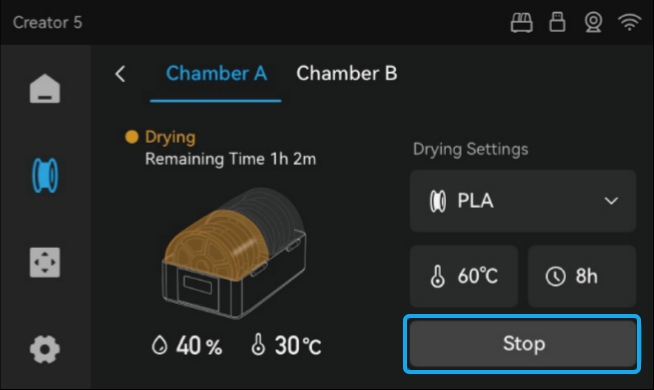
Follow these steps to start single-chamber drying:
-
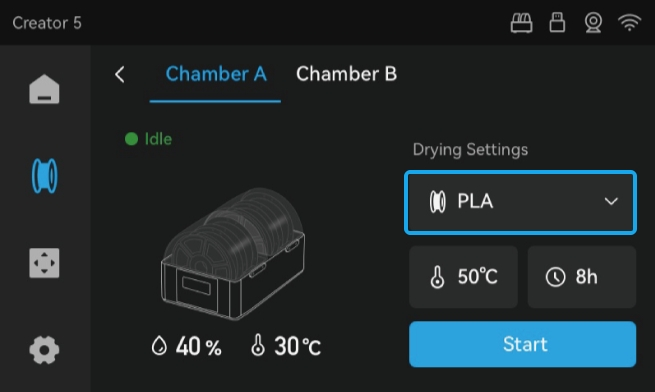
Access the drying settings for Chamber A or B, and select your filament type.
-
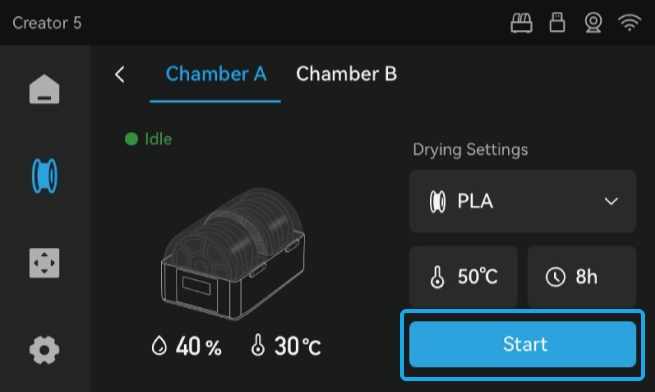
The recommended temperature and time for the selected filament type will load automatically. To use these default settings, simply tap Start to start drying.
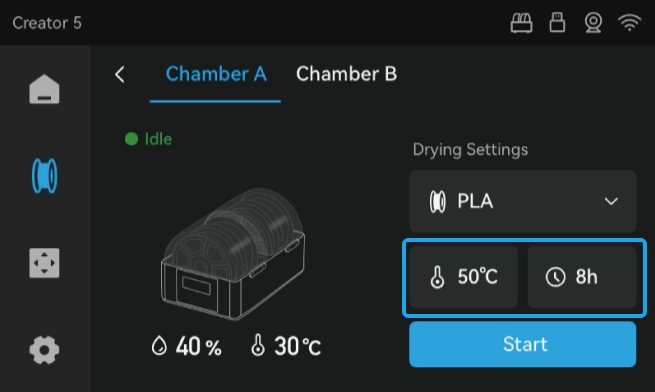
If needed, tap the temperature icon
 or the drying time icon
  to manually adjust the values before starting.
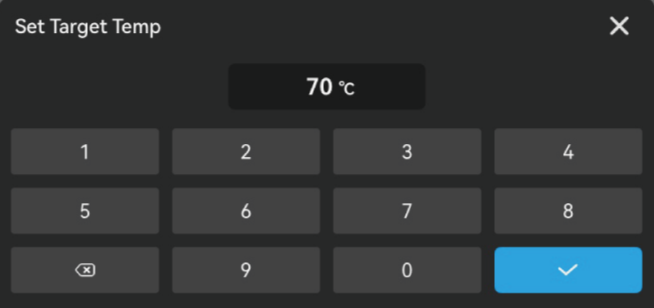
|
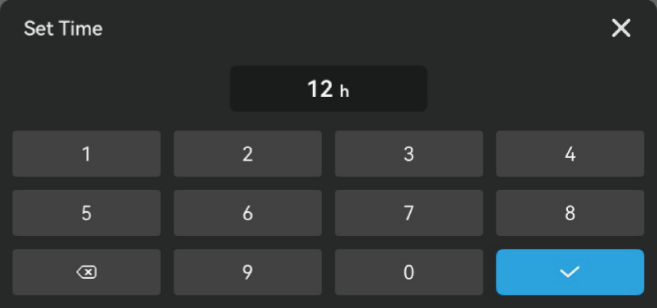
|
Set temperatures are automatically validated. If the value exceeds the limit, a warning alert will display.
Manually adjusted settings are automatically saved to the selected filament profile.
- When finished, the device will chime and the printer screen will display a prompt. Tap OK to confirm.
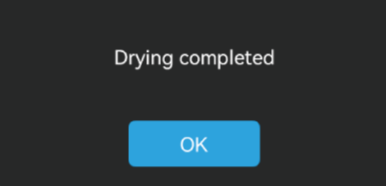
To stop drying at any time, simply tap Stop.