If the chamber humidity rises above your set threshold, the device automatically dries at a constant 50°C. It stops once the humidity falls back below the set target.
Settings are only available when the device is connected to a printer. For more details, refer to Configuring Auto Dehumidification.
In standalone mode, hold  to turn Auto Dehumidification on or off.
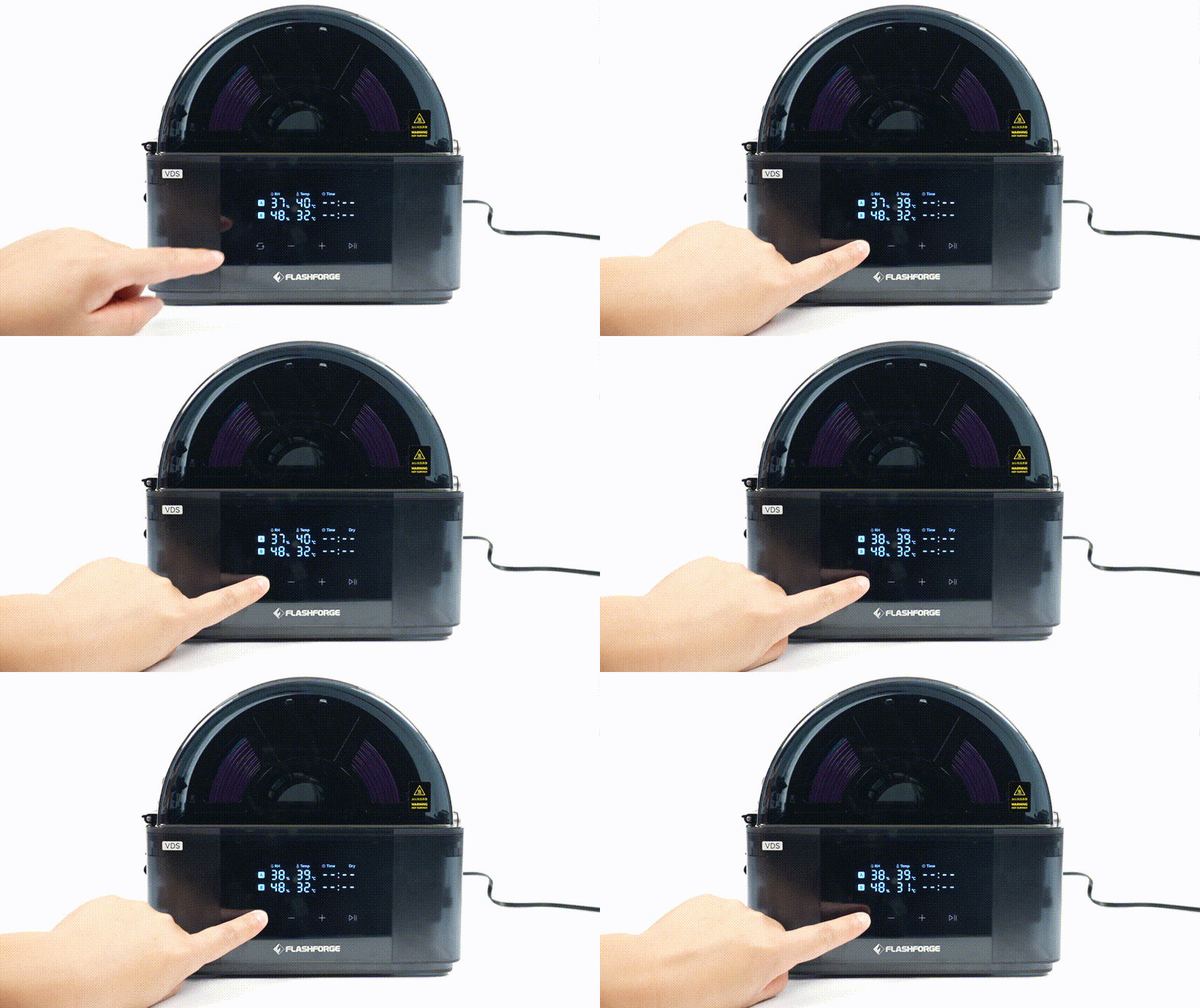
When ambient humidity is high (>70%), Auto Dehumidification can maintain humidity levels inside the chamber between 20% and 40%. If lower humidity is required, active drying is recommended.