¶ Plate Introduction
¶ What is a Plate?
A Plate is the virtual build platform in Flash Studio, simulating the heated bed of a real printer. Each plate represents an independent print job. You can print on a single plate or create multiple plates within one project to manage different models and print parameters separately.
¶ Main Features of the Plate
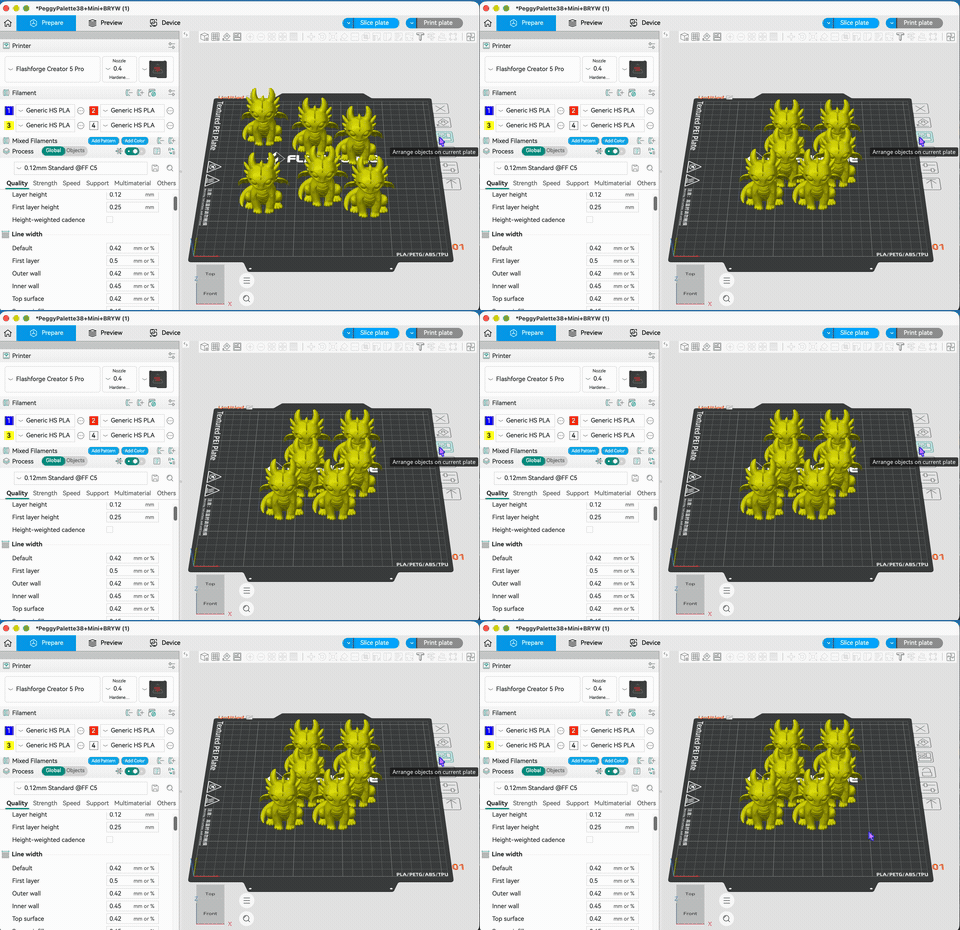
¶ Auto Arrange
Click the auto arrange button in the toolbar. The system will automatically arrange the models to suitable positions based on their dimensions and the available space on the plate, maximizing the use of the print area and avoiding overlaps between models.
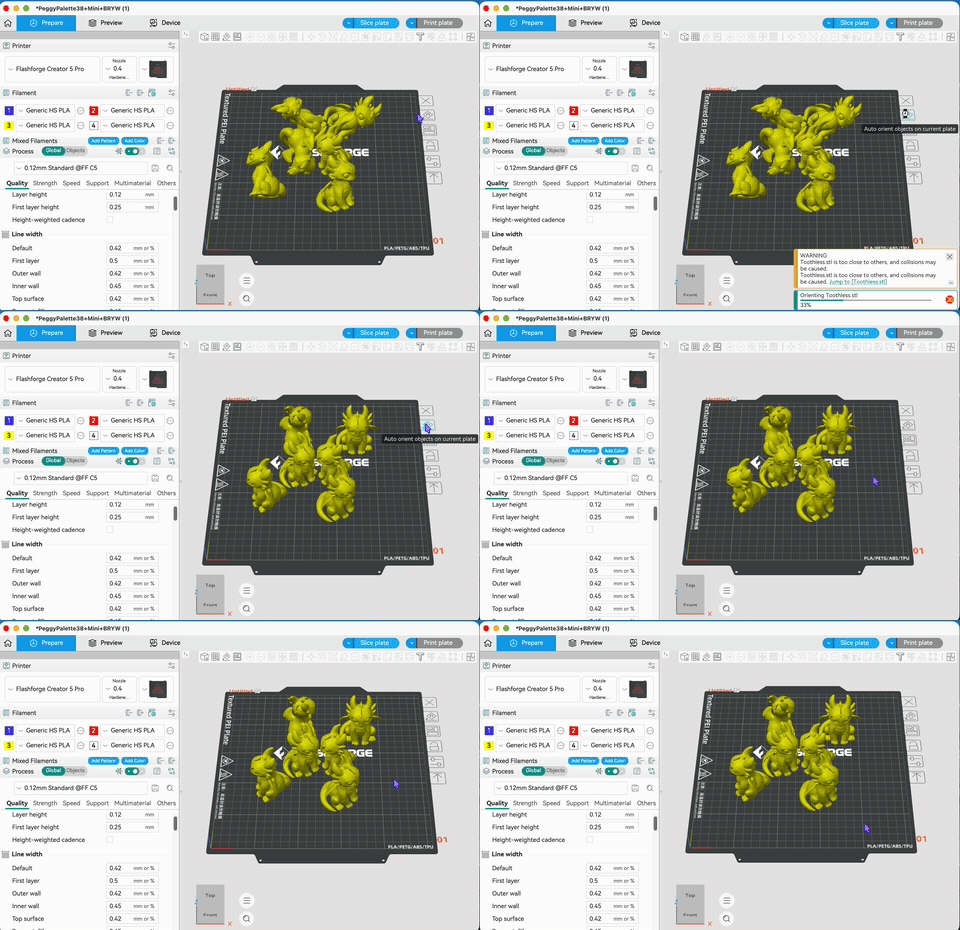
¶ Auto Orient
The auto orient feature analyzes the geometry of the model and automatically rotates it to the optimal printing angle, reducing support requirements and improving the quality of the printed surface.
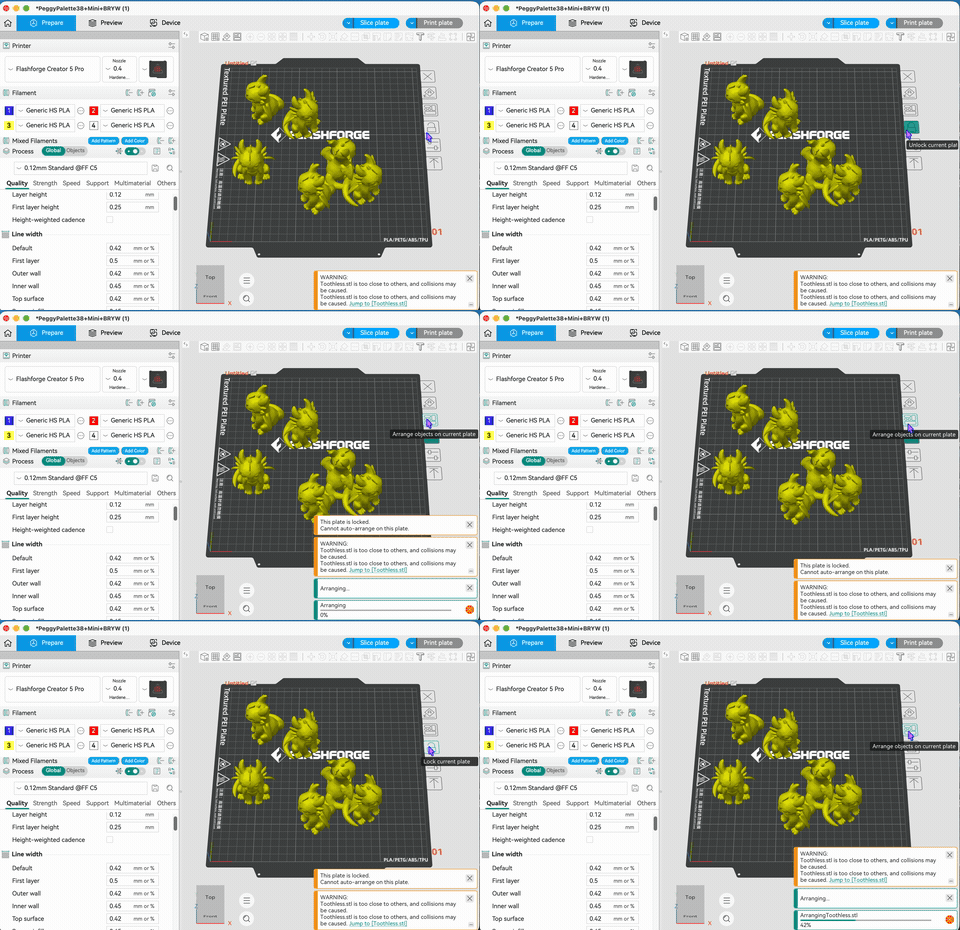
¶ Lock/Unlock Plate
After locking a plate, the models and parameters within it cannot be modified, preventing accidental operations. Unlocking allows you to re-edit model positions, orientations, and print parameters.
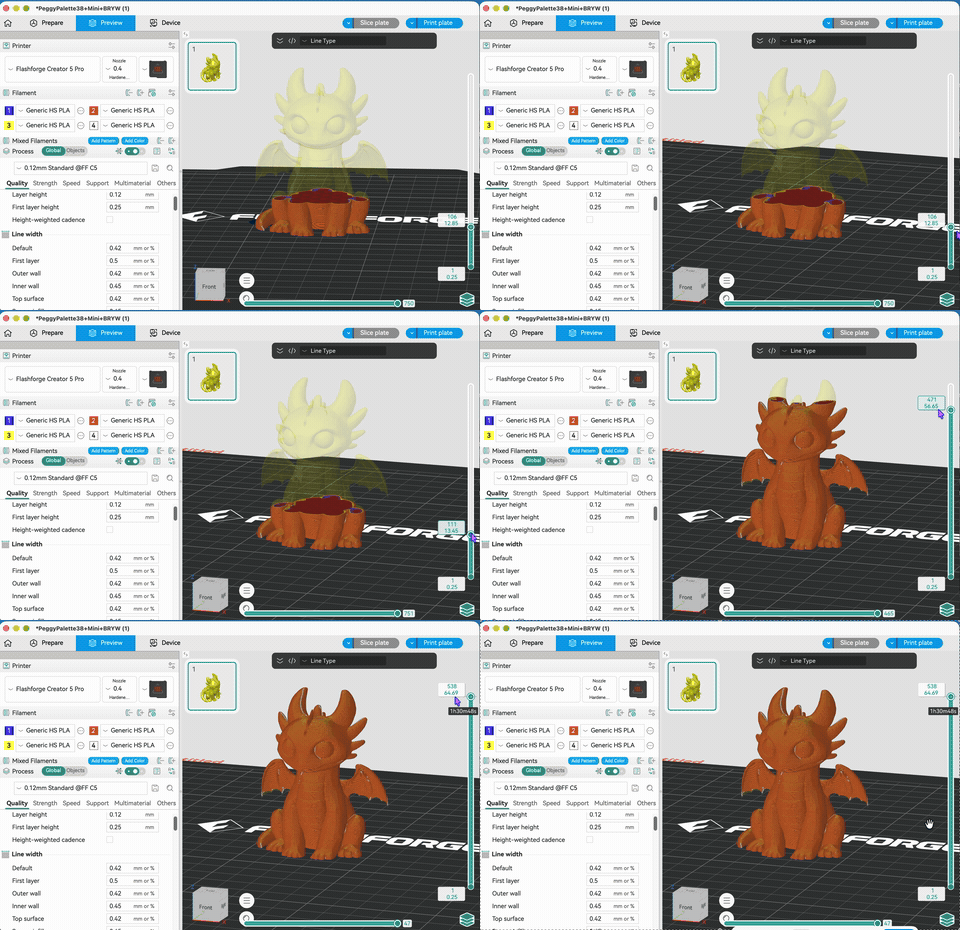
¶ Slice/Preview/Print Plate
Slice the current plate to generate G-code. After slicing is complete, you can enter the preview interface to check the print path of each layer. Once confirmed, you can send it to the printer or export the file for printing.