¶ Painting Feature Overview
The Painting feature allows you to manually designate specific areas on the model surface for precise control over support placement and Z-seam routing.
Using the brush tool, you can "paint" areas on the model that require special treatment, just like painting, achieving more precise control than global parameters.
The Painting feature is located in the top toolbar and includes two painting tools: Support Painting and Z-Seam Painting.
¶ Support Painting
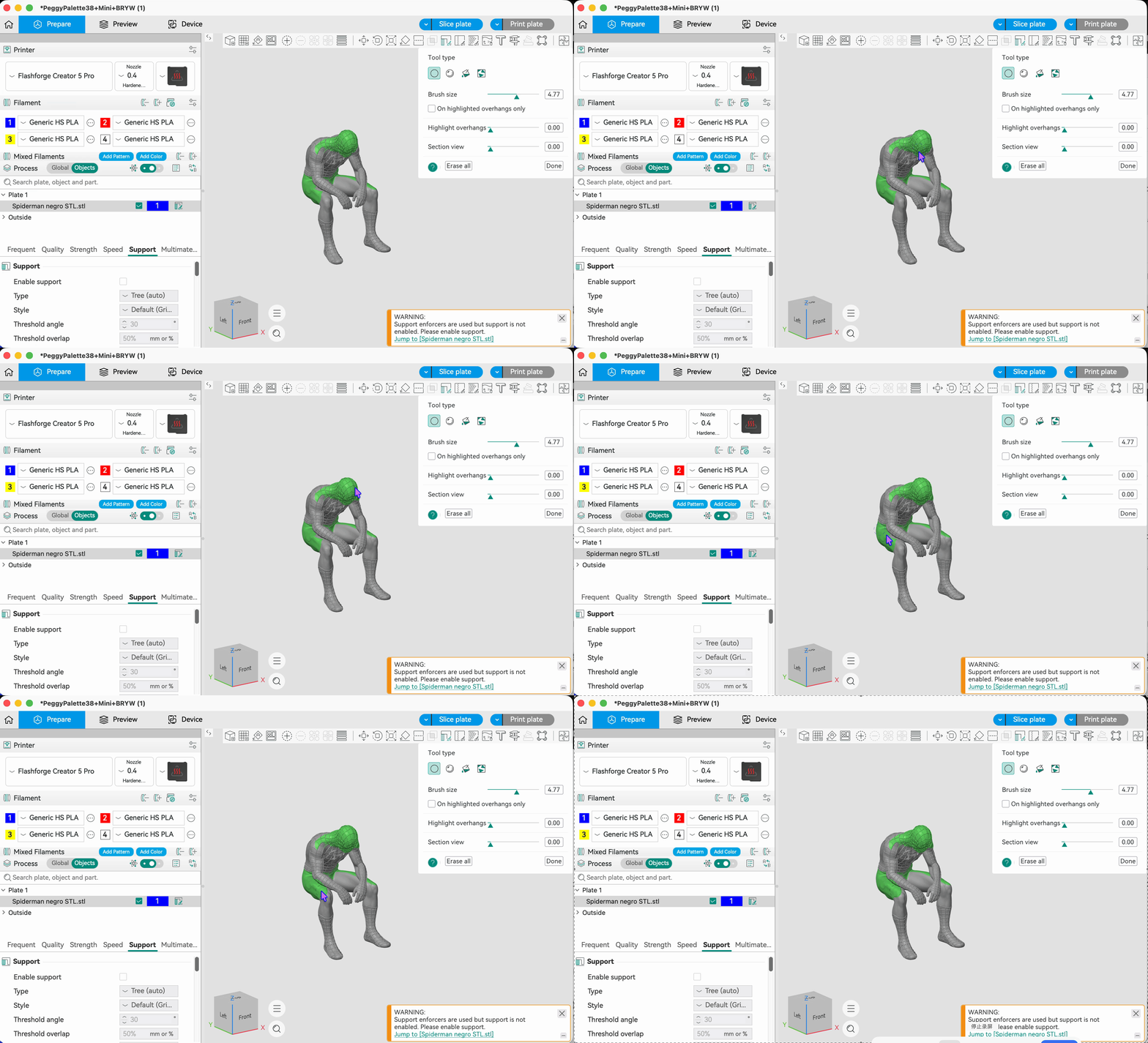
Used to manually designate areas on the model where supports should be generated. Compared to global support settings, Support Painting allows you to add supports only in local areas with large overhang angles or where deformation is likely, avoiding unnecessary support waste and post-processing effort.
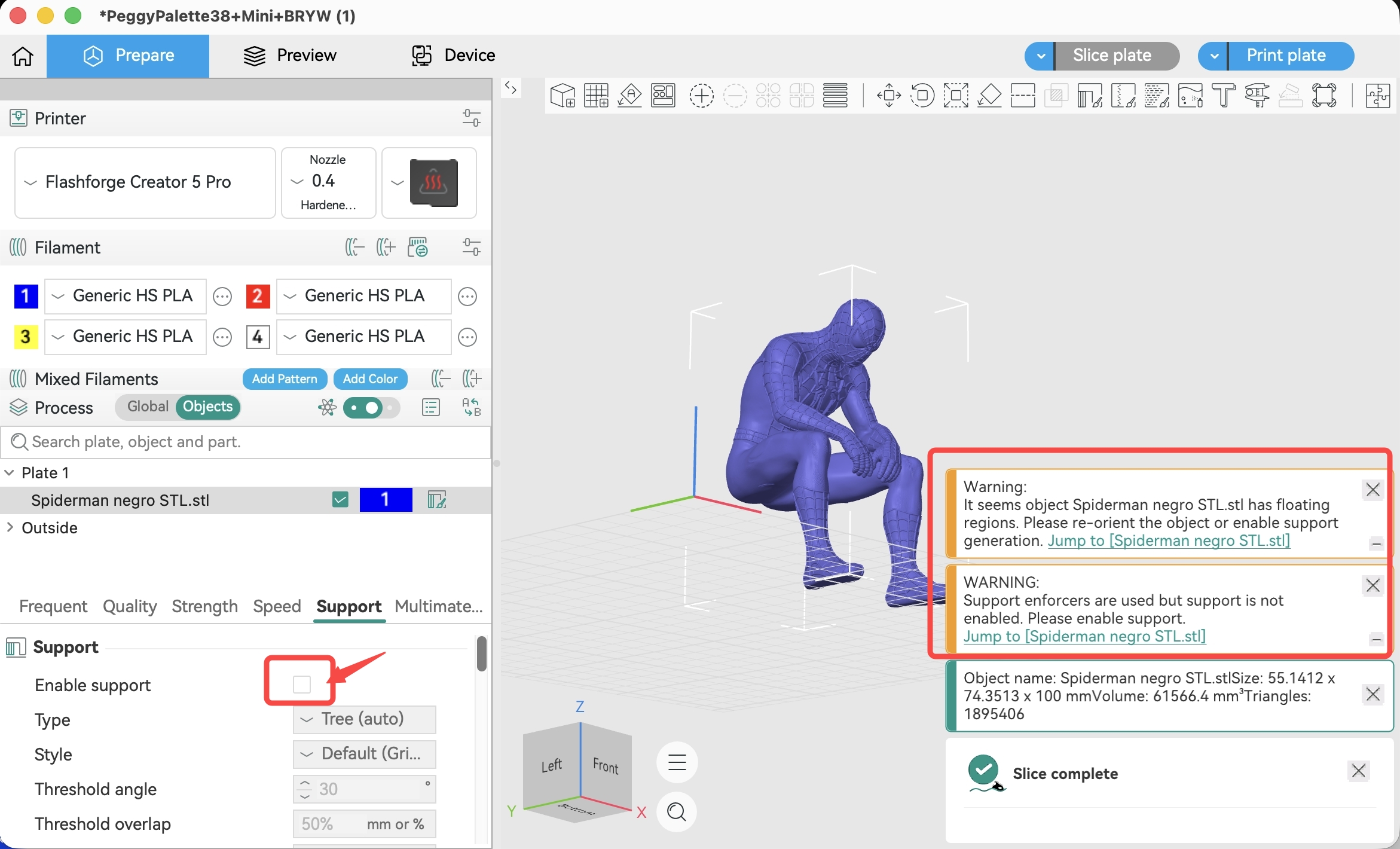
If you have painted supports but have not enabled supports in the process settings, a prompt dialog will appear.
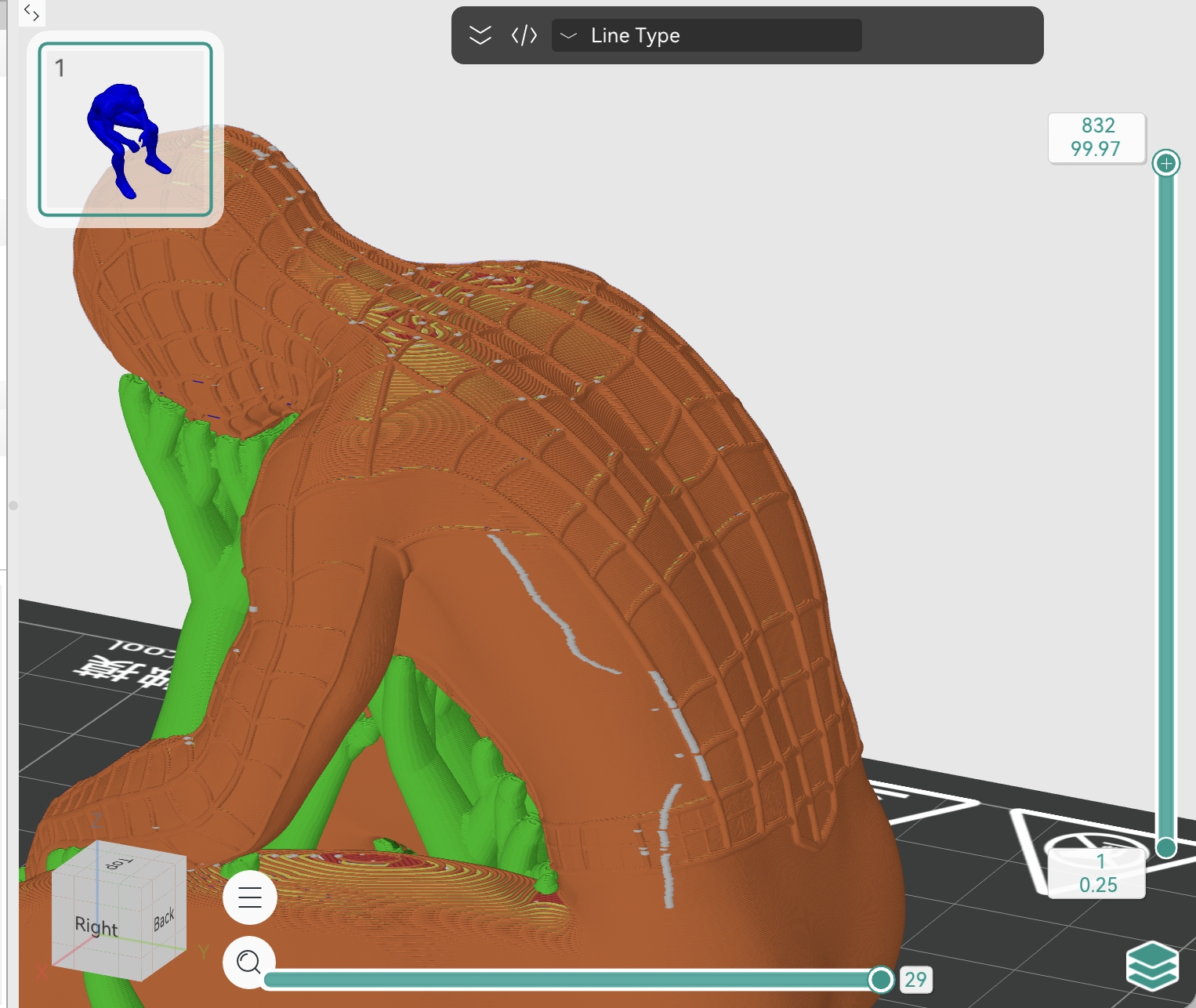
The green areas shown below indicate the manually painted support locations on the model's overhanging regions.
Support generation result
¶ Tool Types:
Add Support: Use the brush to paint areas on the model surface where supports should be generated
Erase Support: Erase previously painted support areas
Fill: Add or remove supports for the entire selected area with one click
Direction: Adjust the support generation direction
- Parameter Description:
Brush Size: Controls the size of the brush — a larger value results in a wider painting range
Apply to Highlighted Overhangs Only: When checked, the brush only takes effect in areas where the model's overhang angle exceeds the set threshold, preventing accidental operations on non-overhanging areas. The overhang angle threshold can be adjusted with the "Highlight Overhang Areas" slider
¶ Z-Seam Painting
The Z-seam is the seam formed at the junction of the start and end points of each print layer, and it is unavoidable in 3D printing.
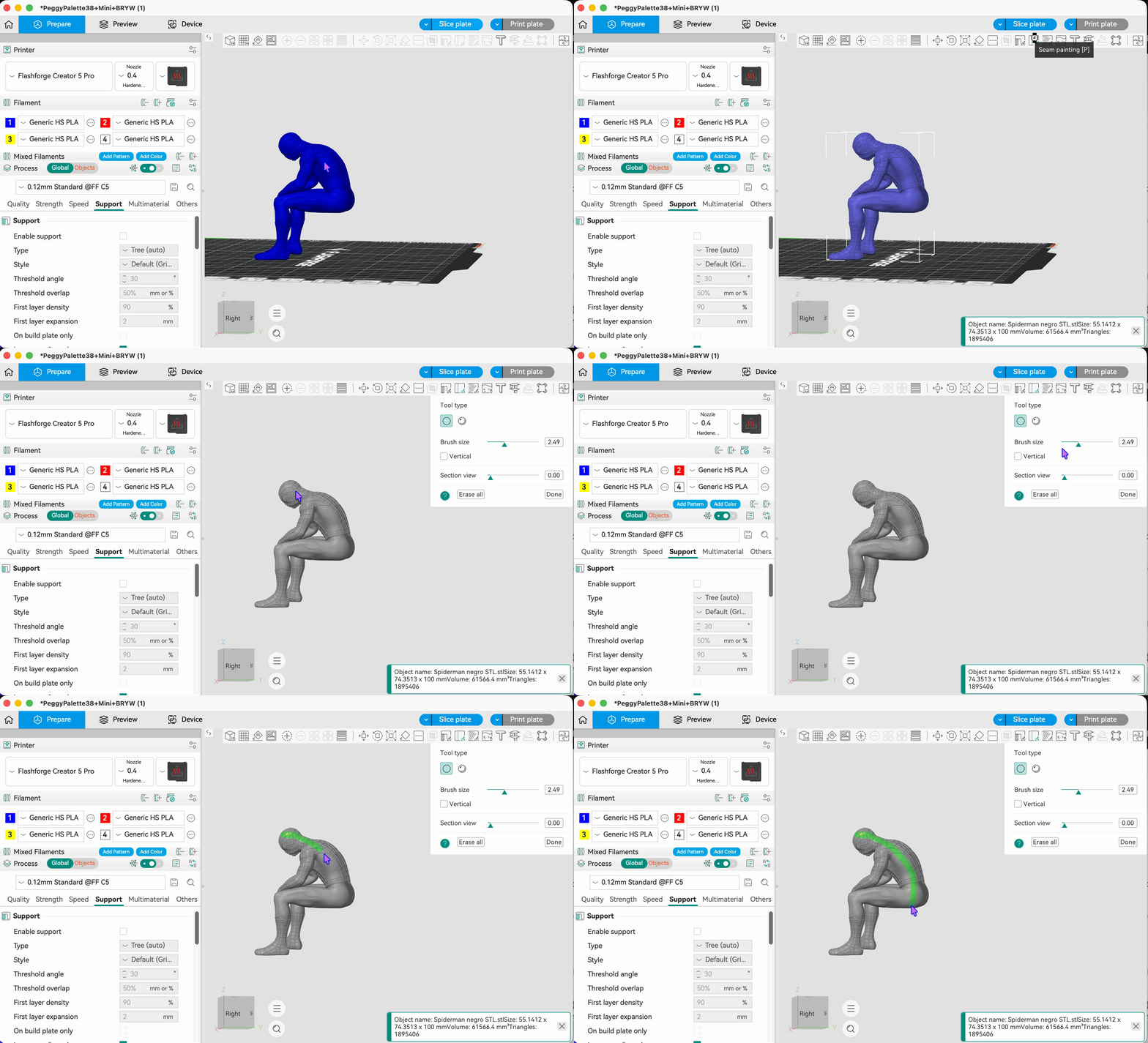
Z-Seam Painting allows you to manually control the position of the Z-seam on the model surface, guiding it to inconspicuous edges or corners to improve the model's visual quality.
The green lines shown below indicate the painted Z-seam positions on the model
Slicing preview of Z-seam generation result
¶ Parameter Description:
Brush Size: Controls the size of the brush
Vertical: When checked, the Z-seam will extend vertically, suitable for maintaining a straight Z-seam path on cylindrical or regular geometric shapes
Cross-Section View: Adjusts the cross-section height for easier Z-seam path painting at different height levels
¶ Usage Tips:
Painting the Z-seam along edges, corners, or texture boundaries of the model can make the seam less visually noticeable.